


Add music and sound effects to a video. Your picture stays as it is.

Sound for a video is a DFIRST skill that adds music, sound effects or a voiceover to a video of up to 60 seconds. Firsty, the DFIRST agent, watches your video, plans the sound layers for your approval, makes each layer to follow your shots, mixes it in and listens to the result. Your picture and its length do not change.

  • Your picture and length stay exactly as they were
  • Only the layers you approved are in the mix
  • The voiceover says your words and ends before the film
Sound for a videoYour draft stays on this device

02Your video optional

Try an example
Start with Firsty

Join the waitlist to finish. Your draft stays on this device, and Firsty starts on it as soon as your access starts.

Examples. What you ask, what you get back.

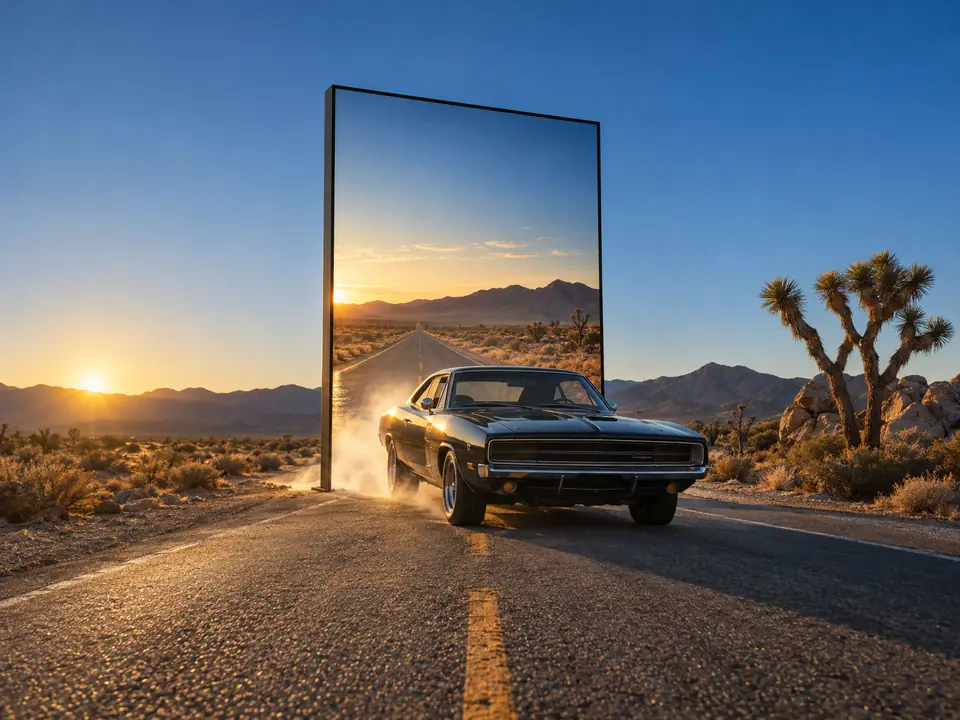
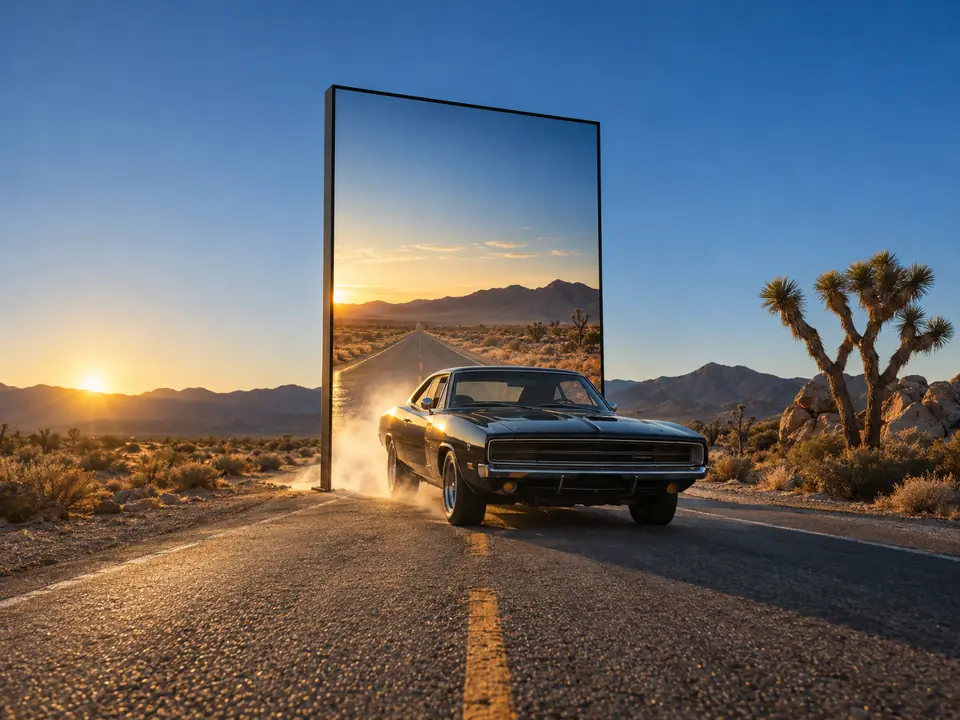
Sound effects for our 7-second billboard film: the car breaking out and driving past. No music.

The picture and its 7 seconds are untouched. The effects land on the shots: a burst as the car breaks through the billboard at 1.5 seconds and a rush as it passes the camera at 5.


Music, whooshes on the cuts and a voiceover saying “Built for every mile.” for our 20-second KINETRA reel. Plan first.

Three layers and the final mix, each with what it follows in the reel and its level. Nothing was made until the plan was approved, and the paid step asked again.

TableKINETRA reel, 20 s: sound plan
LayerFollowsLevelStatus
Music: driving electronic, 124 bpmStarts on the first frame, lifts at the summit shot (0:12), ends with the film-24 LUFS under the voiceProposal
Effects: 7 whooshes, 2 foot strikesEvery cut, and the shoe landing on rock at 0:04 and 0:09Peaks at -6 dBProposal
Voiceover: “Built for every mile.”Starts at 0:16, ends at 0:18.4, before the film does-16 LUFSProposal
MixThe whole 20 seconds-14 LUFS, peaks under -1 dBProposal

Approve the plan and Firsty makes the layers. It asks once more before the paid step.

A calm English voiceover on our 10-second SOL CLUB clip: “Stay out longer. SPF 50, no white cast.”

The voice reads the words exactly as written and ends more than a second before the clip does. The picture was checked against your original and is unchanged.

Add soundSOL CLUB clip with voiceover

“Stay out longer. SPF 50, no white cast.”

Voiceover, English, calm
Clip
10.0 s, picture unchanged
Voiceover
0:01.2 to 0:08.6
Layers
Voiceover only, as asked
Loudness
-14 LUFS, peaks at -1.5 dB

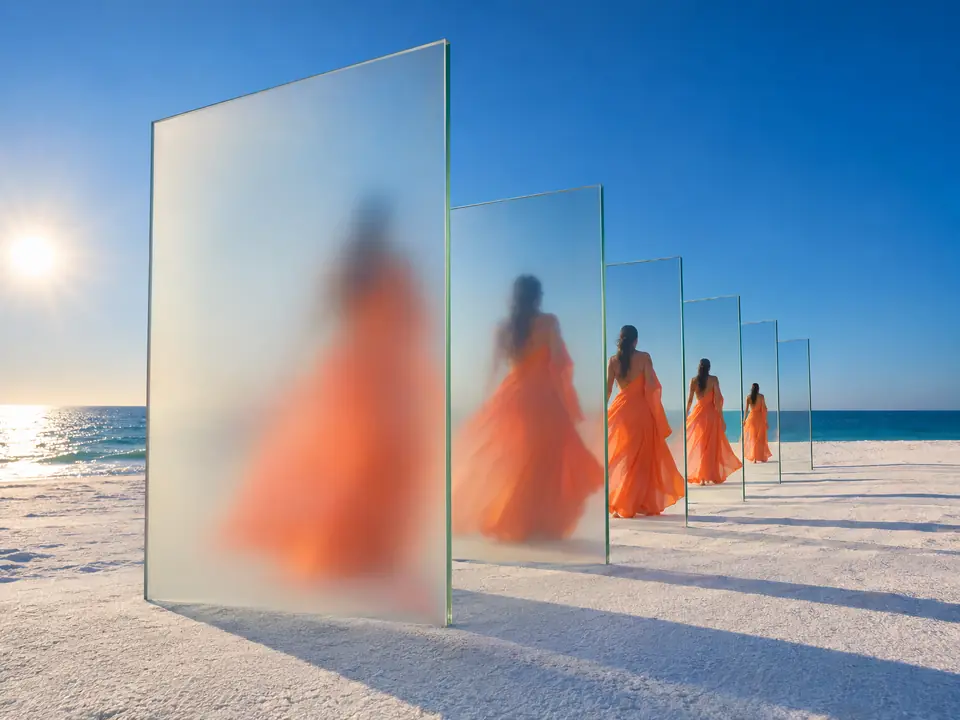
Frames from the clip

How it goes. The same steps every time.

Firsty follows the skill’s steps in order and stops where the choice is yours. Nothing paid starts without your yes.

  1. 1

    Firsty watches your video and measures its length

  2. 2

    Firsty plans the sound layers, the music style and the voiceover

    You approve the plan before any sound is made

  3. 3

    Firsty makes each layer to follow your shots and mixes it in

    Asks before anything paid

  4. 4

    Firsty listens to the result and checks your picture is unchanged

  5. 5

    You can ask for louder or quieter music, remixed at no cost

Done when

  • Your picture and length stay exactly as they were
  • Only the layers you approved are in the mix
  • The voiceover says your words and ends before the film
  • Each layer is listened to and the sound level measured

At a glance.

What Sound for a video needs from you and what it hands back.

You bring
A video of up to 60 seconds: an upload, a file from your Data Room or a film already on your board. Then say how it should sound.
Files
MP4, MOV or WebM, up to 60 seconds and 150 MB.
If you say nothing
Sound effects and music. A voiceover is added only when you ask for one and give its words and language.
You get
One mp4 with the new soundtrack under your original picture, with its layers, levels and loudness.
Music only
Give a style and a length and you get a music mp3 on an Audio card, with no video needed.
Your picture
Compared with your original after the mix. Only the sound changes.

Part of this skill. Each task also has its own page.

When you ask for one of these on its own, Firsty runs it with this skill.

Questions people ask.

About Sound for a video and how it fits the rest of DFIRST.

How do I add music to a video with AI?

Upload the video or pick one from your Data Room or board, then say what it should sound like: upbeat music, a whoosh on each cut, a voiceover. Firsty watches it, measures its length and shows you a plan of the layers. Once you approve, it asks before the paid step, makes each layer to fit your shots and mixes them in.

Can I add a voiceover to my video?

Yes. Write the exact words and the language, and say how the voice should sound, such as calm or upbeat. Firsty reads your words as written, fits them so they end before the film does and mixes the voice over any music. If the words are too long for the video, shorten them first.

How long can the video be?

Up to 60 seconds, as an MP4, MOV or WebM file of up to 150 MB. That covers reels, ads and short brand films. For a longer video, cut it into parts first, or make shorts from the long video and add sound to the clips you keep.

Will it change or trim my video?

No. Firsty works on the sound alone. After the mix it compares the result with your original, frame and length, before handing it over. If you want the picture itself changed, for a new cut or another format, that is a separate job for a video skill, not this one.

Can I make the music louder or quieter afterwards?

Yes. Ask for louder or quieter music and Firsty remixes the layers it already made, with your picture untouched each time. For a piece of music on its own, without a video, the AI music generator makes a track in your style and length.

See all 27 skills

Ask Firsty for it. It runs the skill with you.

Your request waits on this device until your access starts. DFIRST opens to people on the waitlist first.

Updated