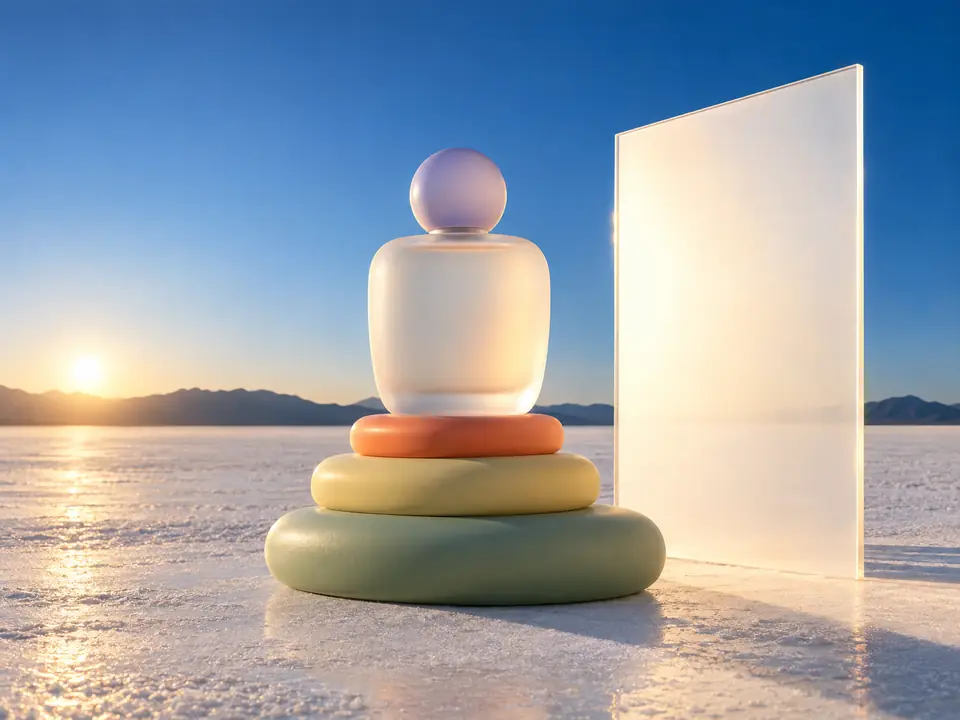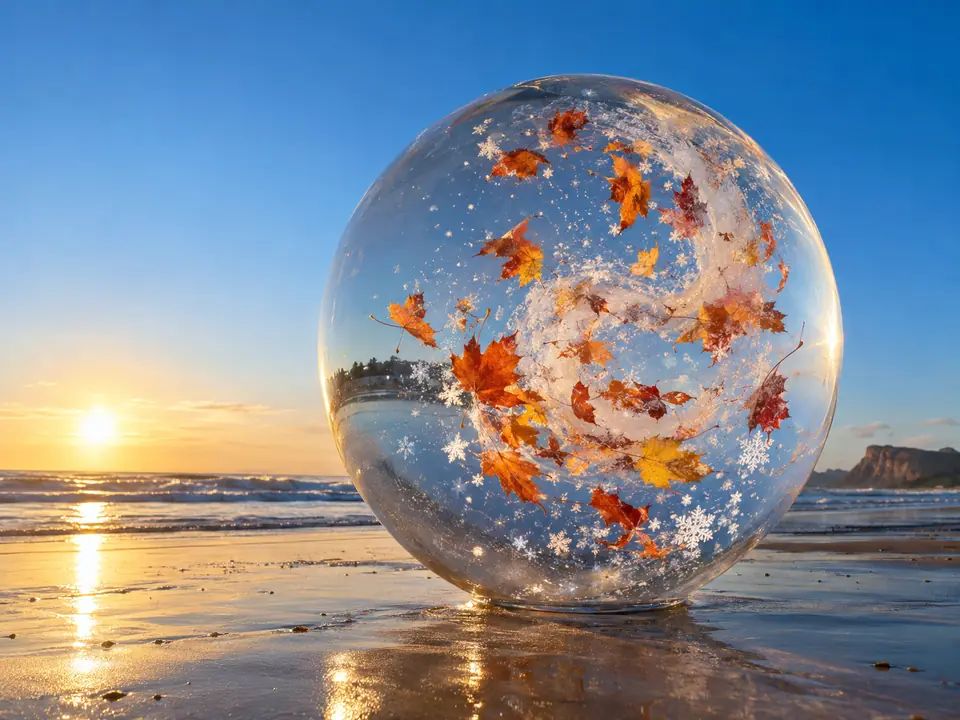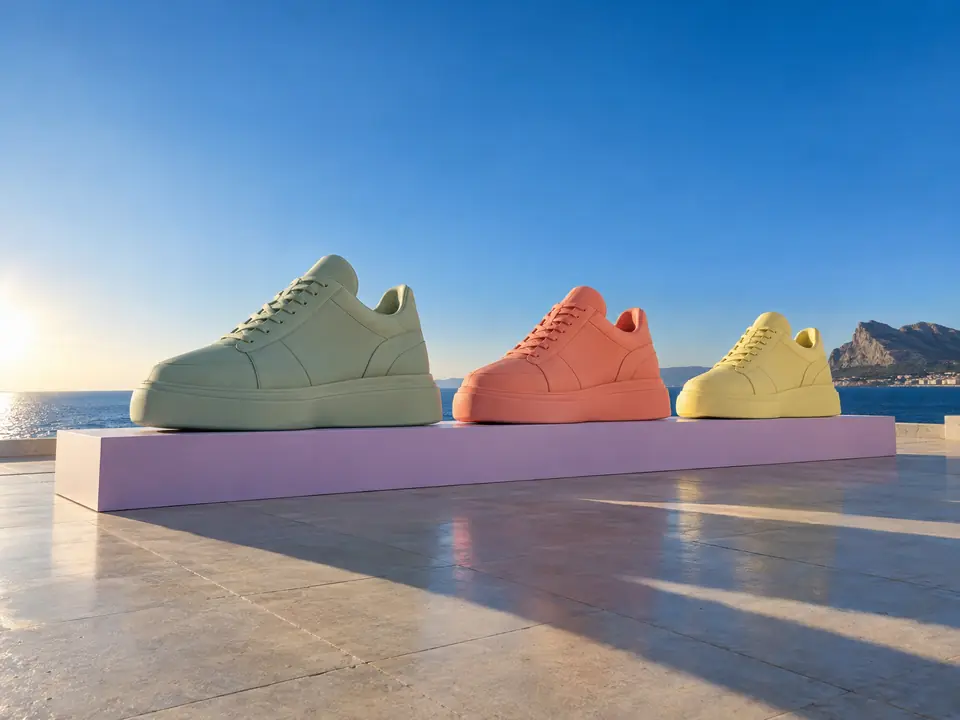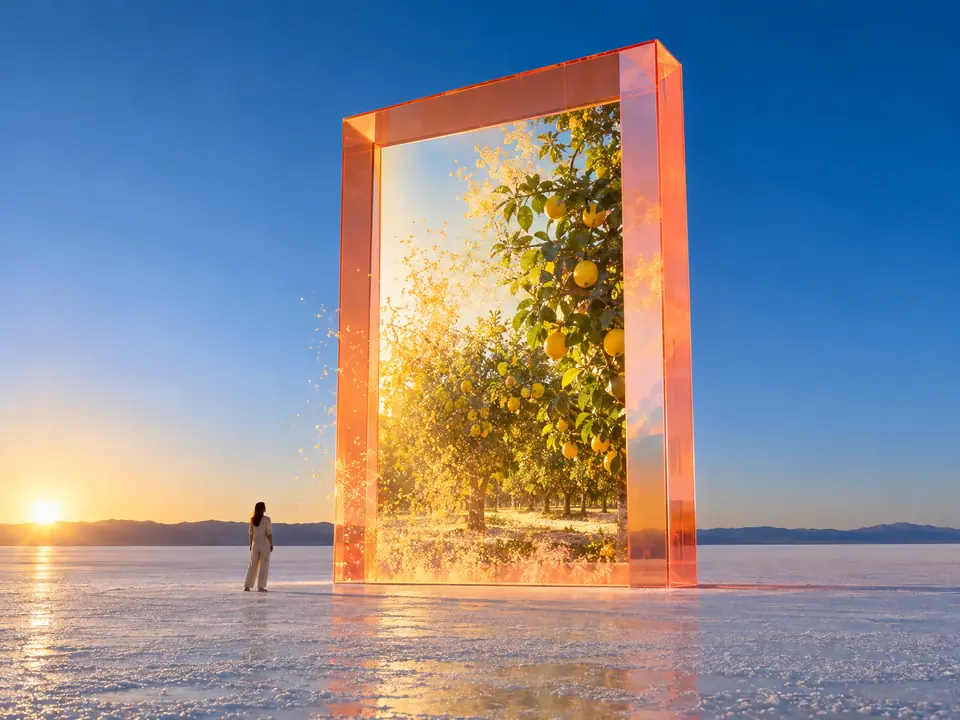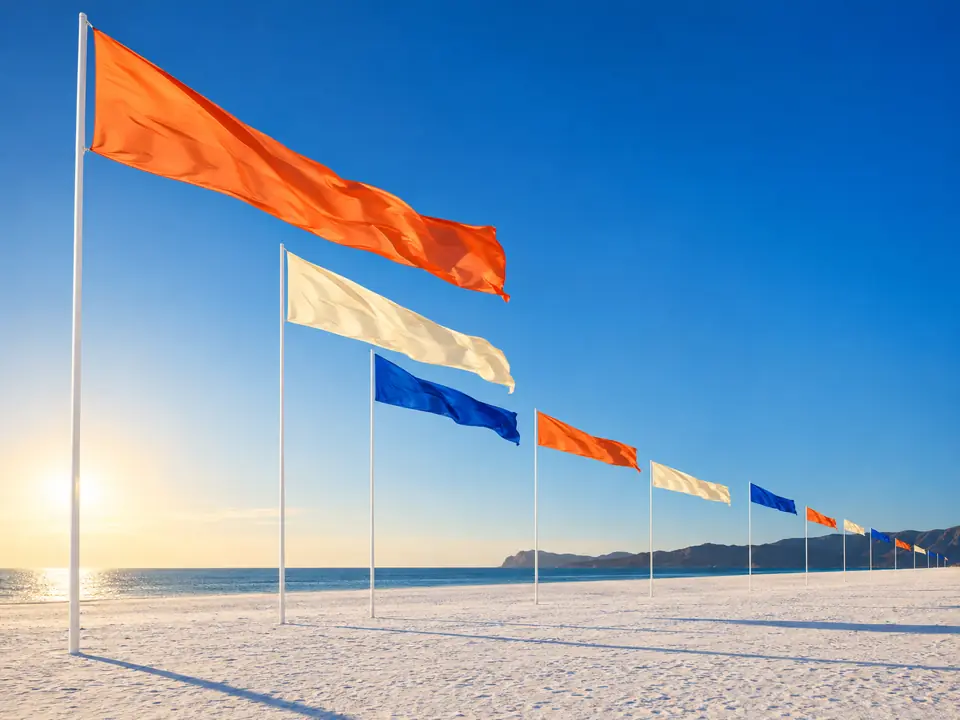
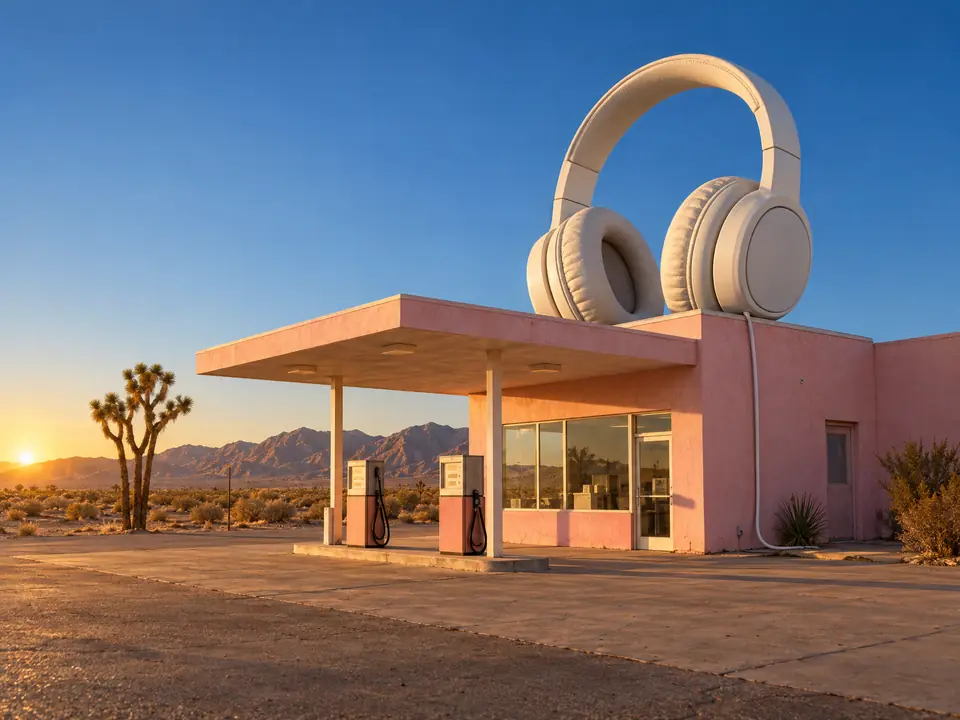
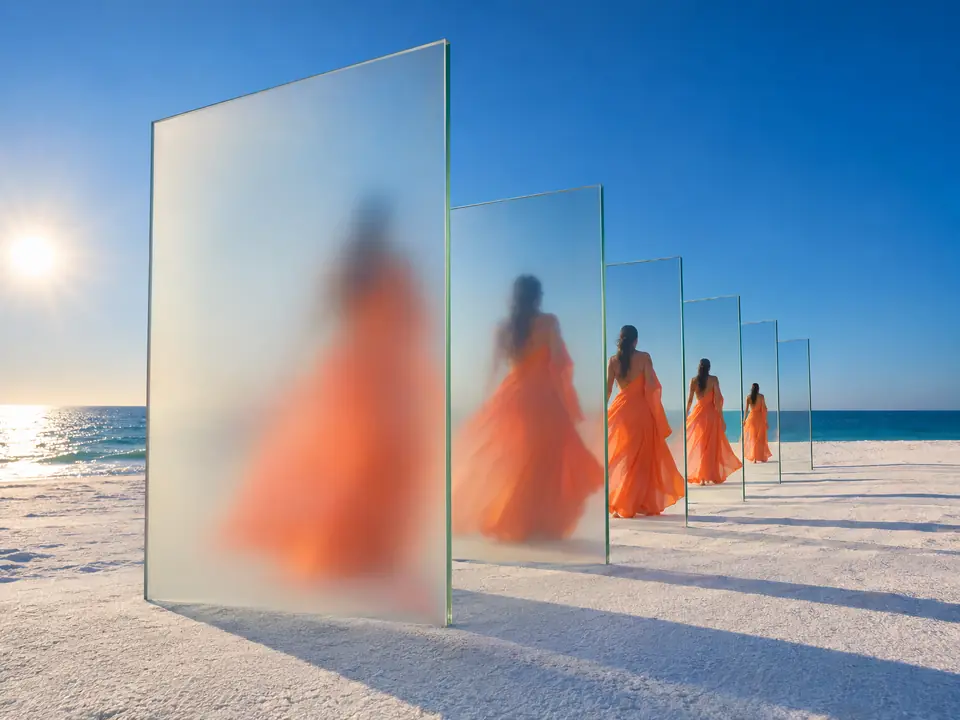
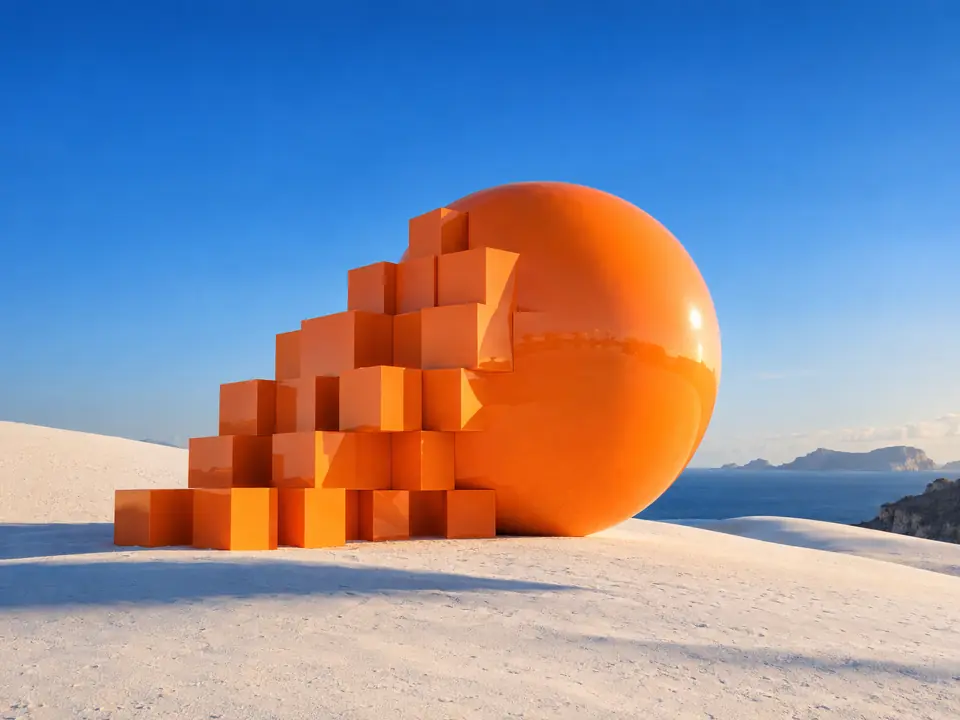
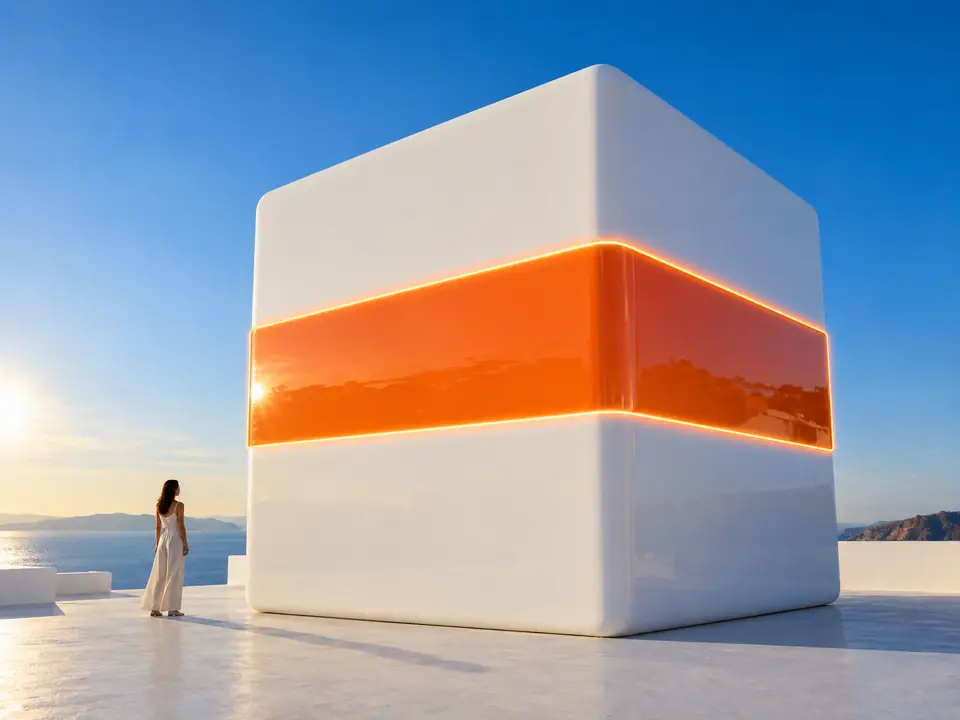
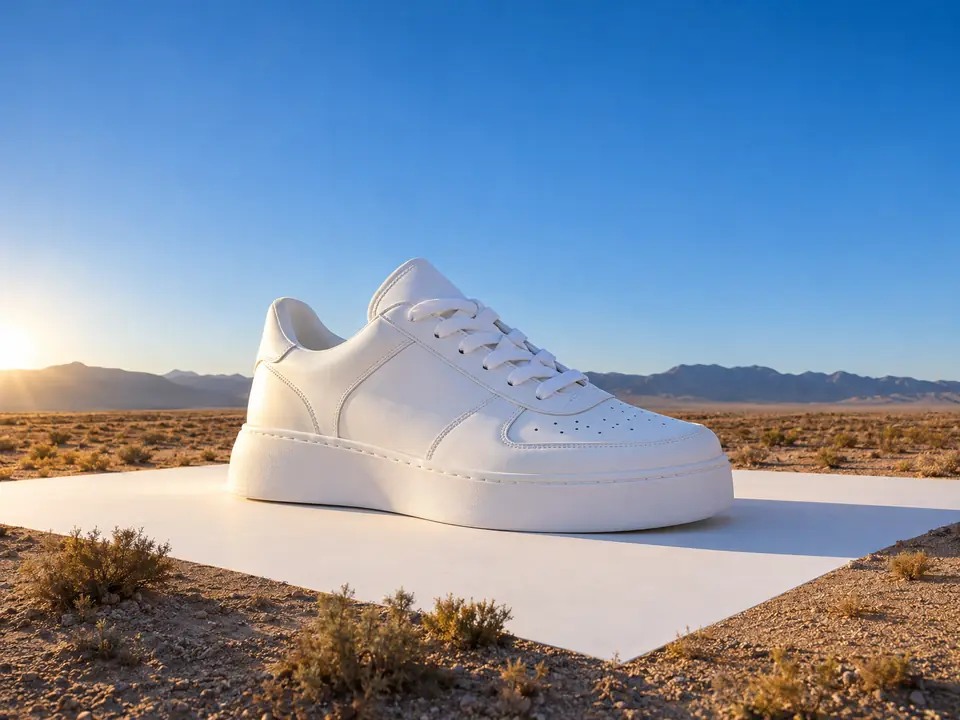
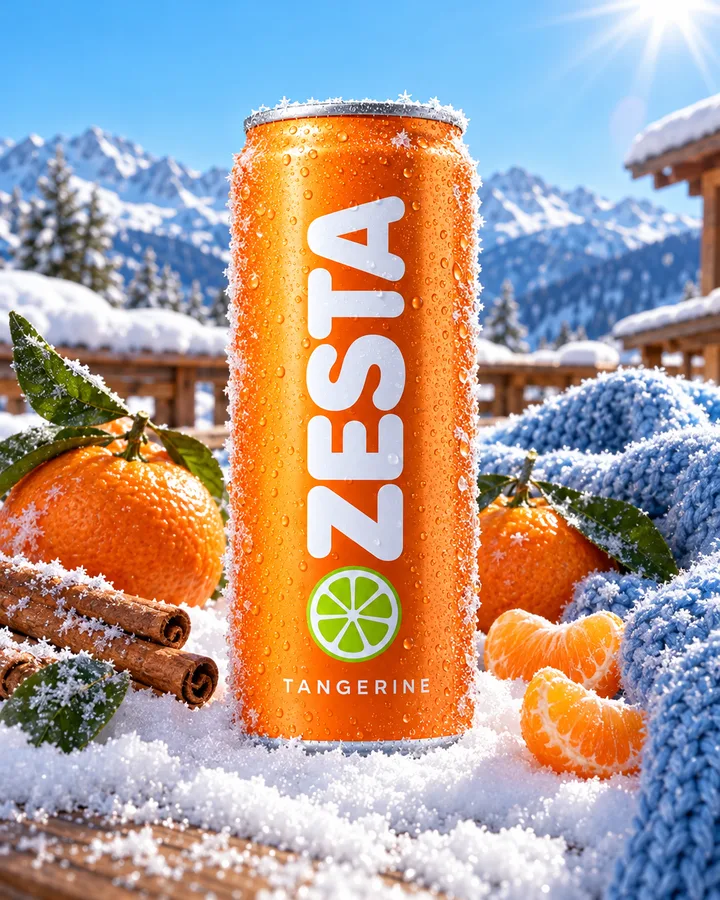
ZESTA Tangerine in eight summer scenes for the shop. Bright, Mediterranean, people allowed.
One packshot went in. Eight scenes came back, the can untouched in each, and the two picked ones were made again in 4:5 and 9:16.
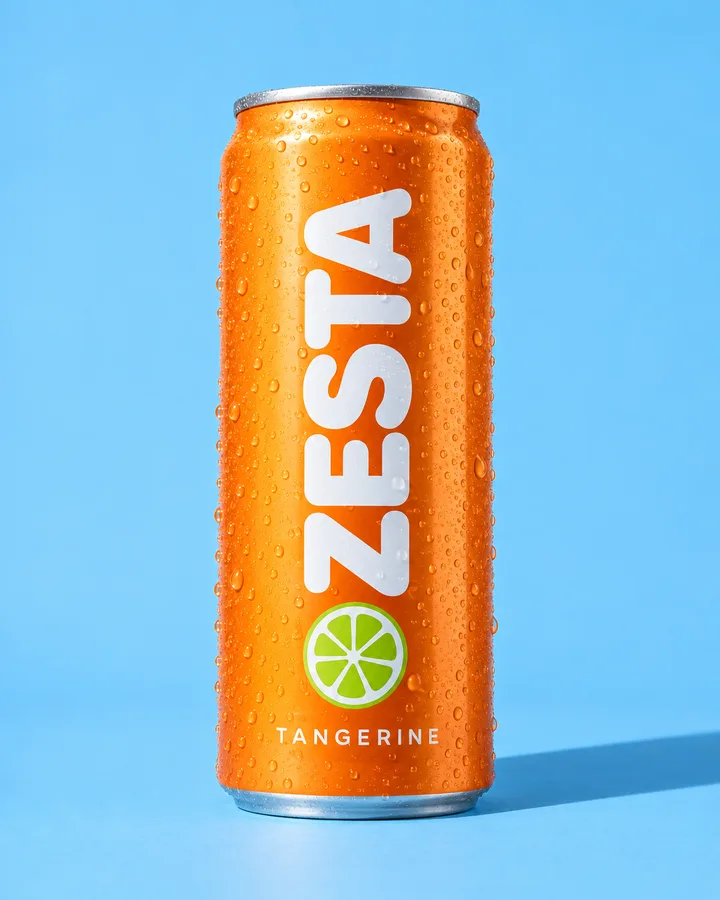
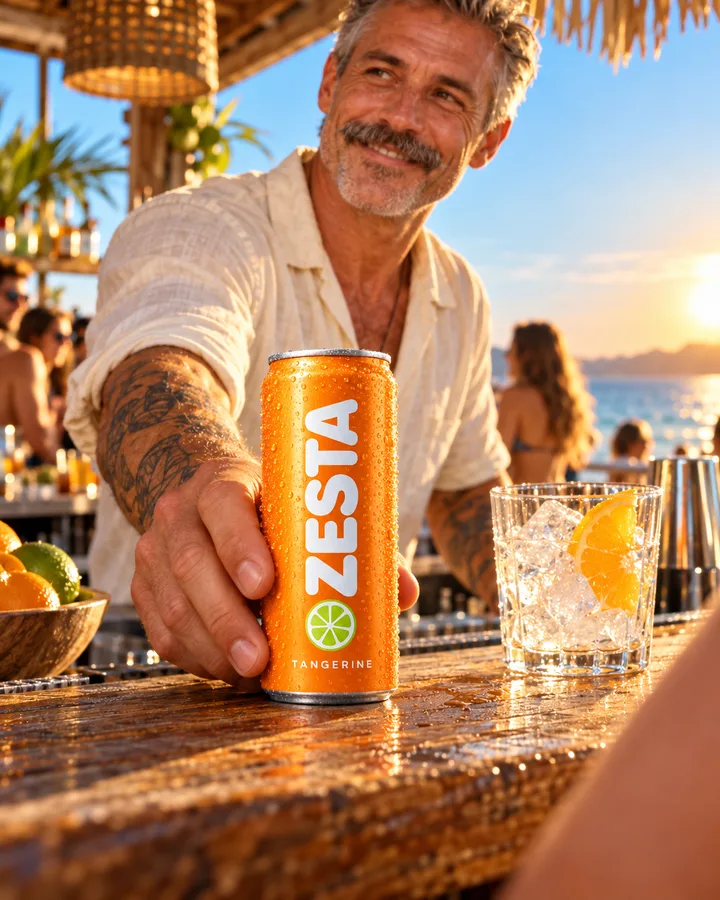
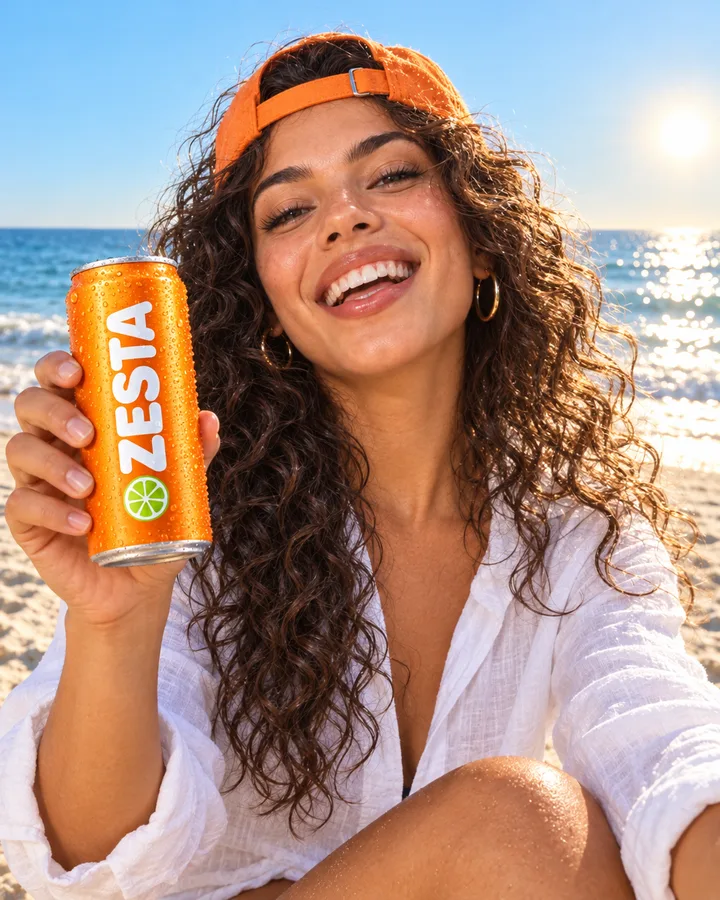
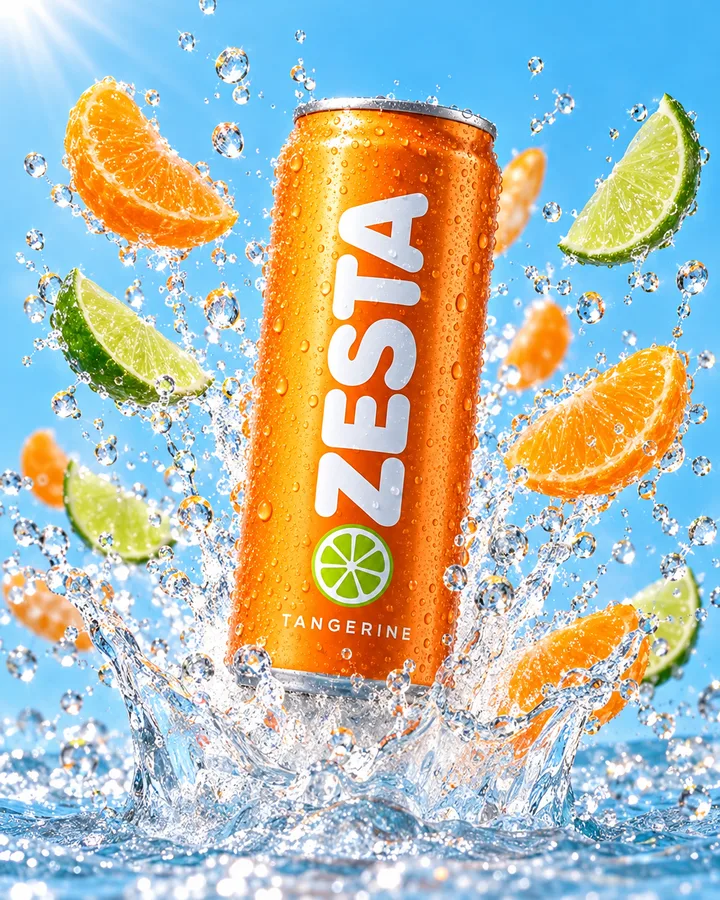
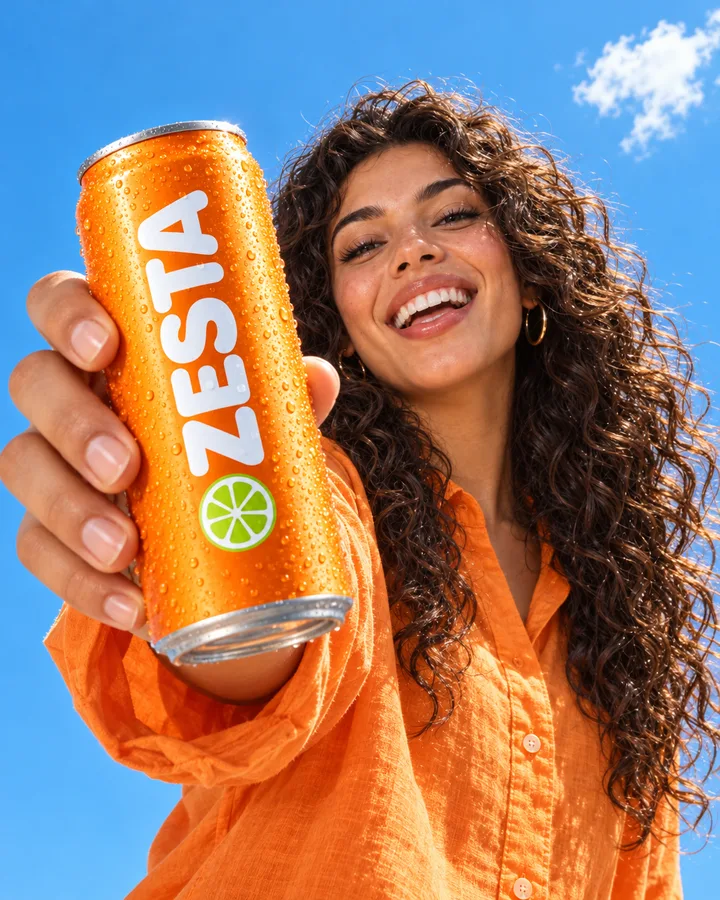
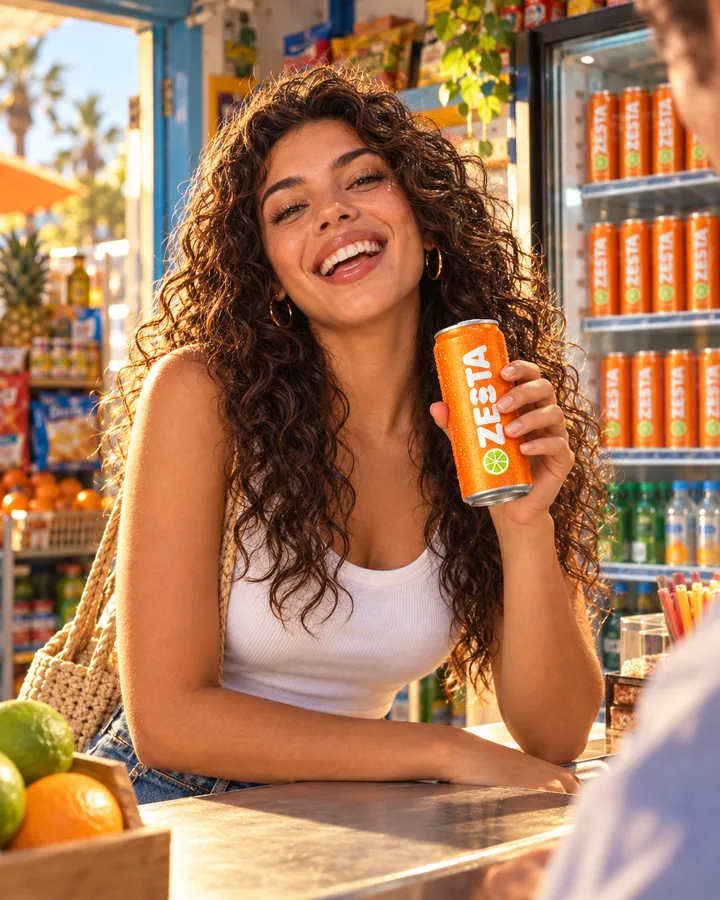
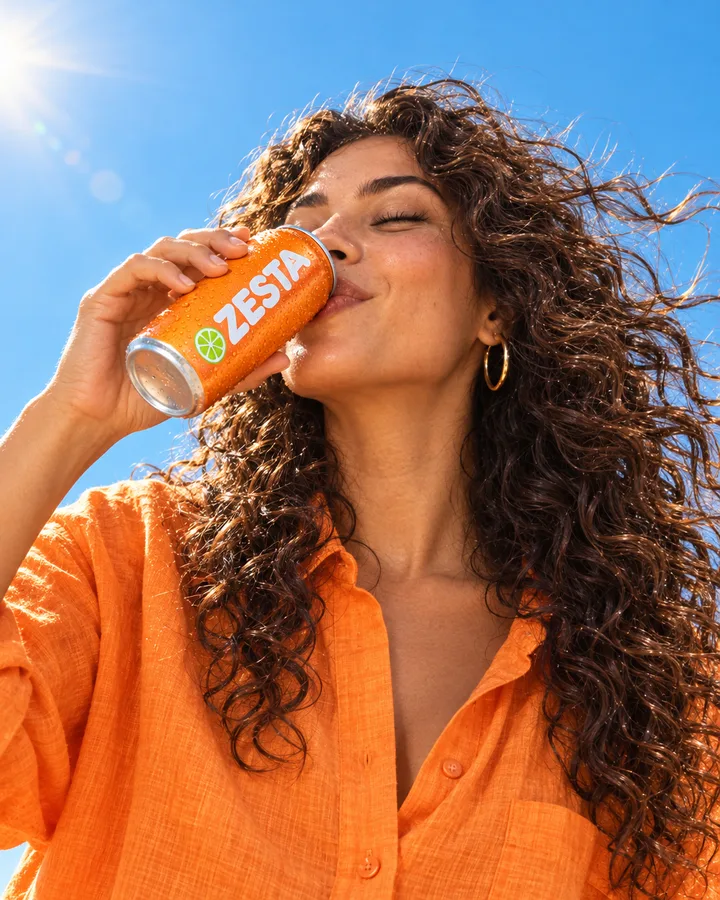
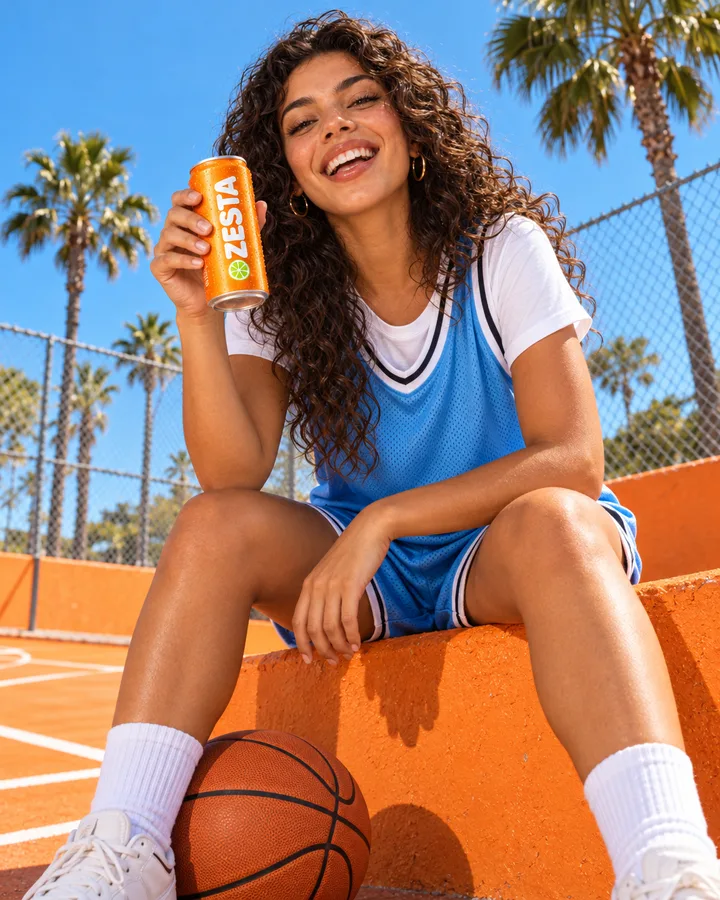
Packshot to 8 lifestyle scenes is a DFIRST skill that turns one product photo into eight lifestyle pictures for your shop, ads or social. Firsty, the DFIRST agent, cuts the product out once, places it in eight scenes, checks that it still looks exactly like the real thing, and makes the two you pick in square, portrait and story sizes.
ZESTA Tangerine in eight summer scenes for the shop. Bright, Mediterranean, people allowed.
One packshot went in. Eight scenes came back, the can untouched in each, and the two picked ones were made again in 4:5 and 9:16.
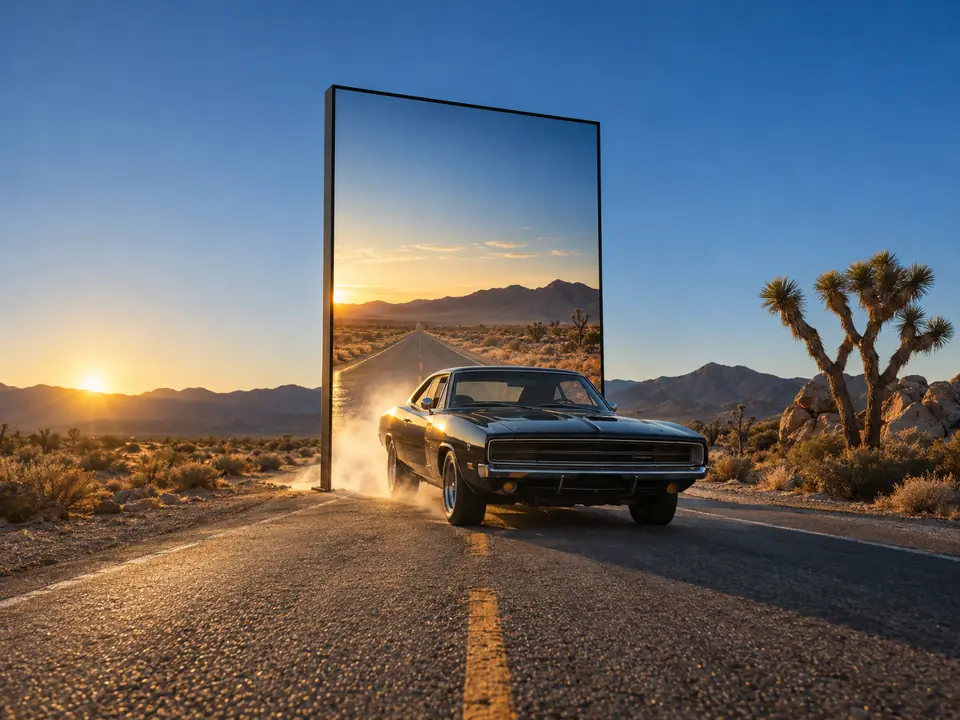
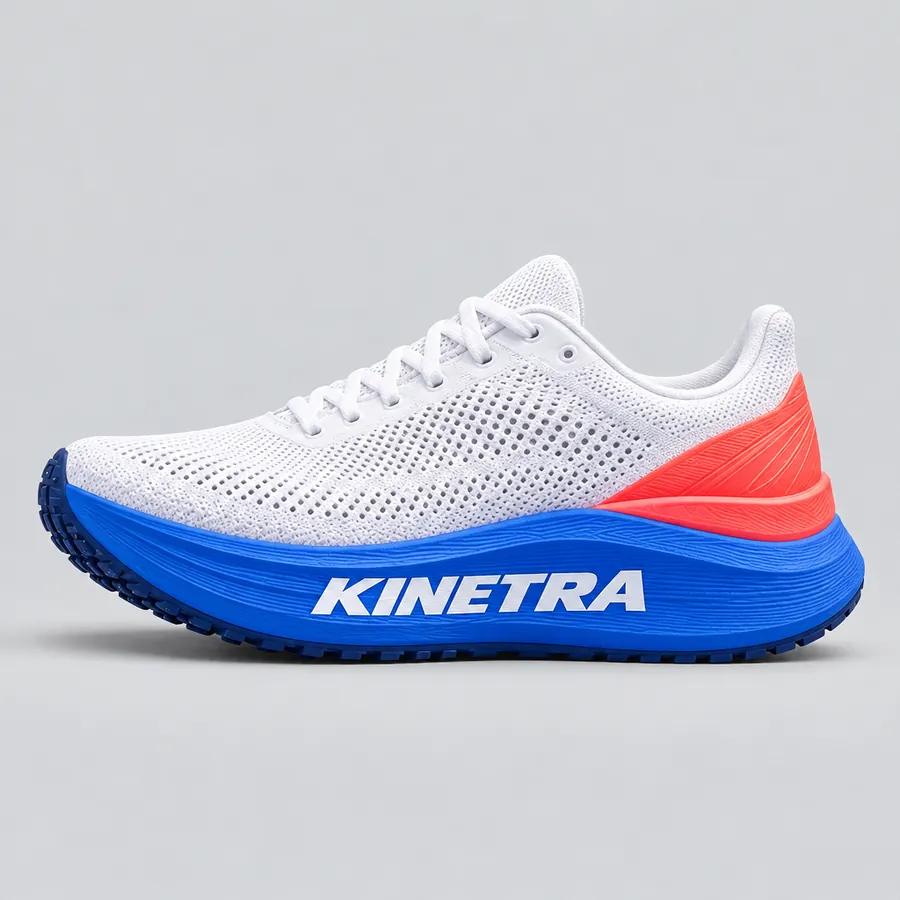
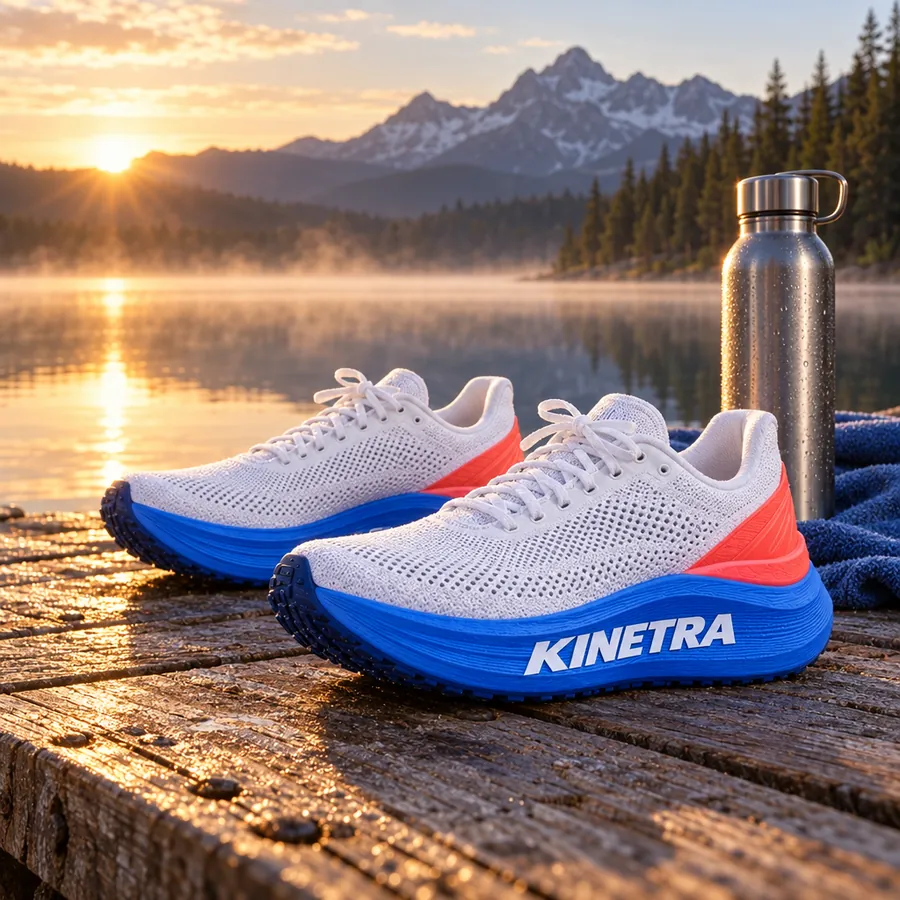
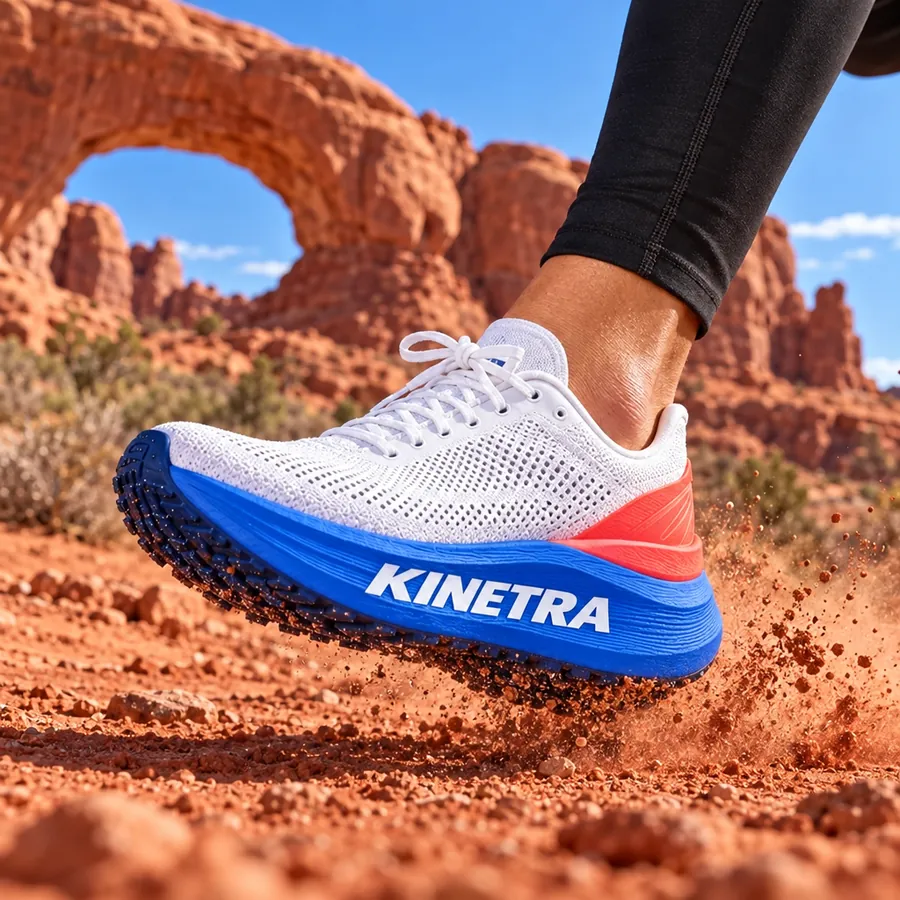
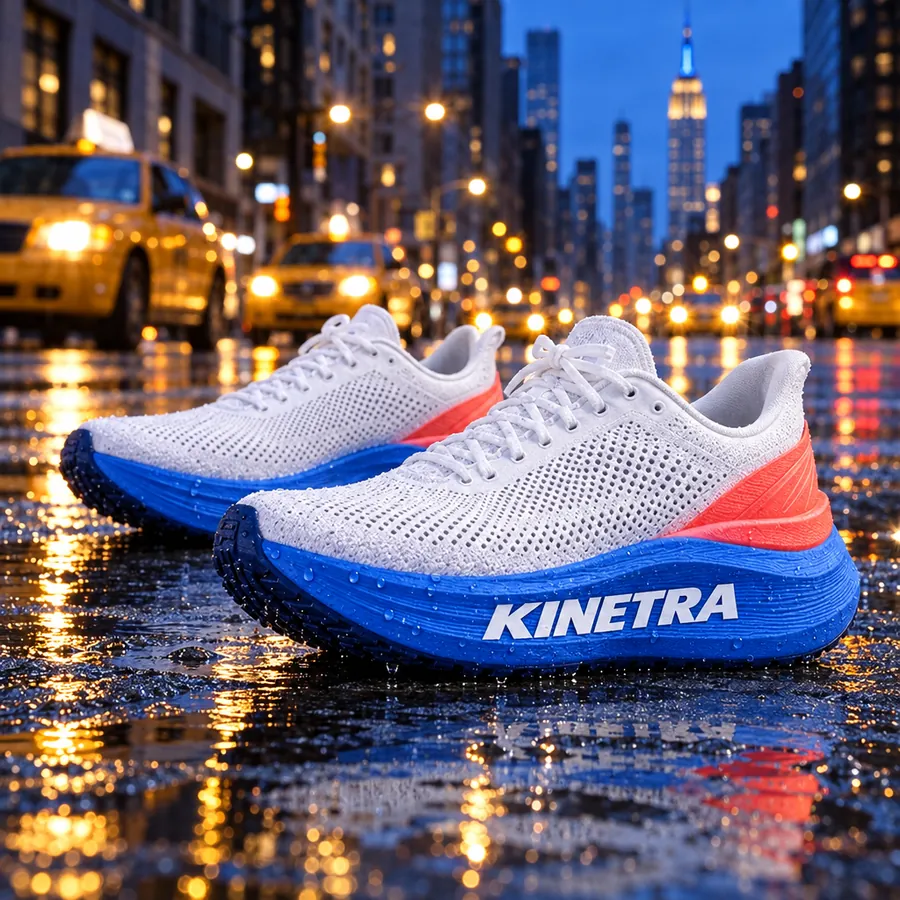
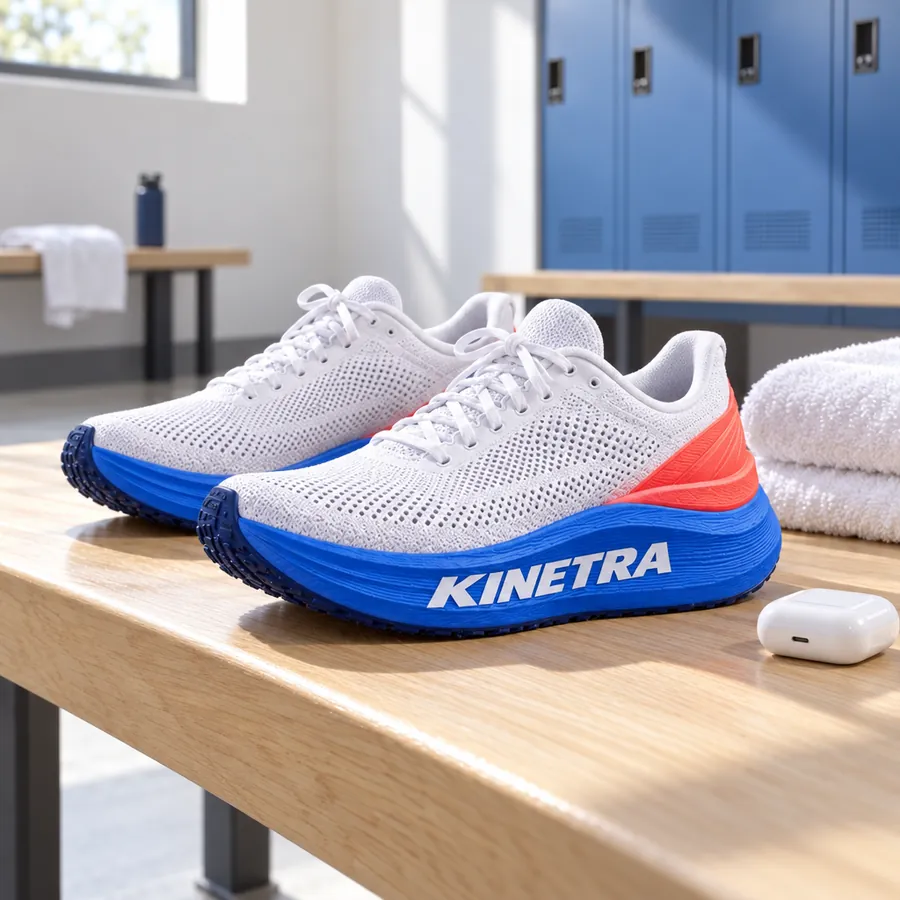
Lifestyle shots of our KINETRA trail shoe. Outdoors, early light, no faces.
Four of the eight scenes. The cobalt sole, the coral heel tab and the wordmark stayed the same in each, and nothing new was printed around the shoe.
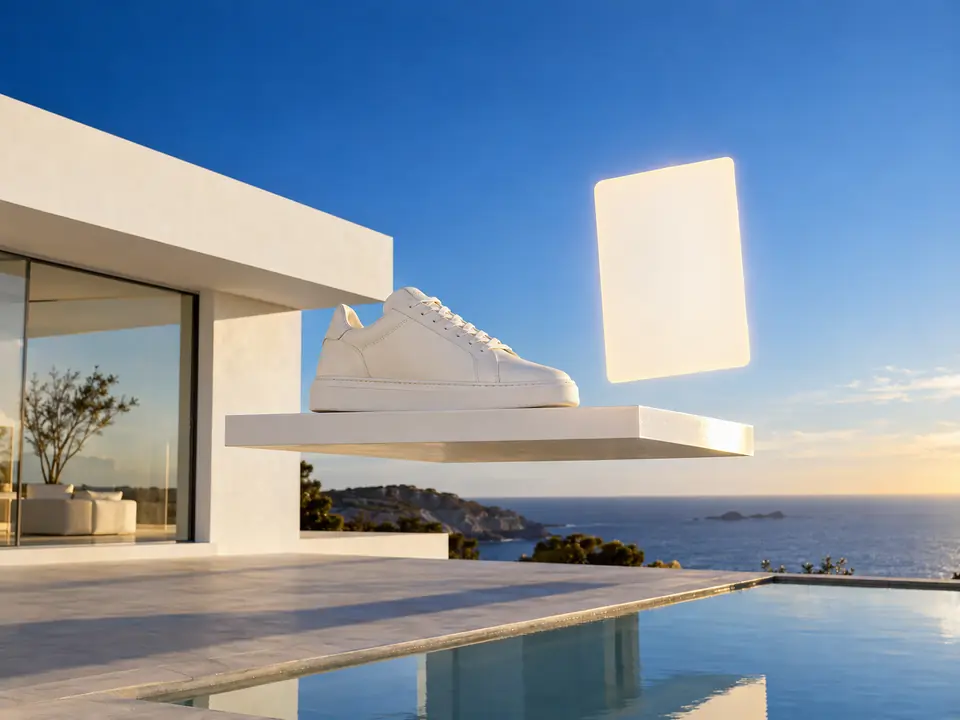
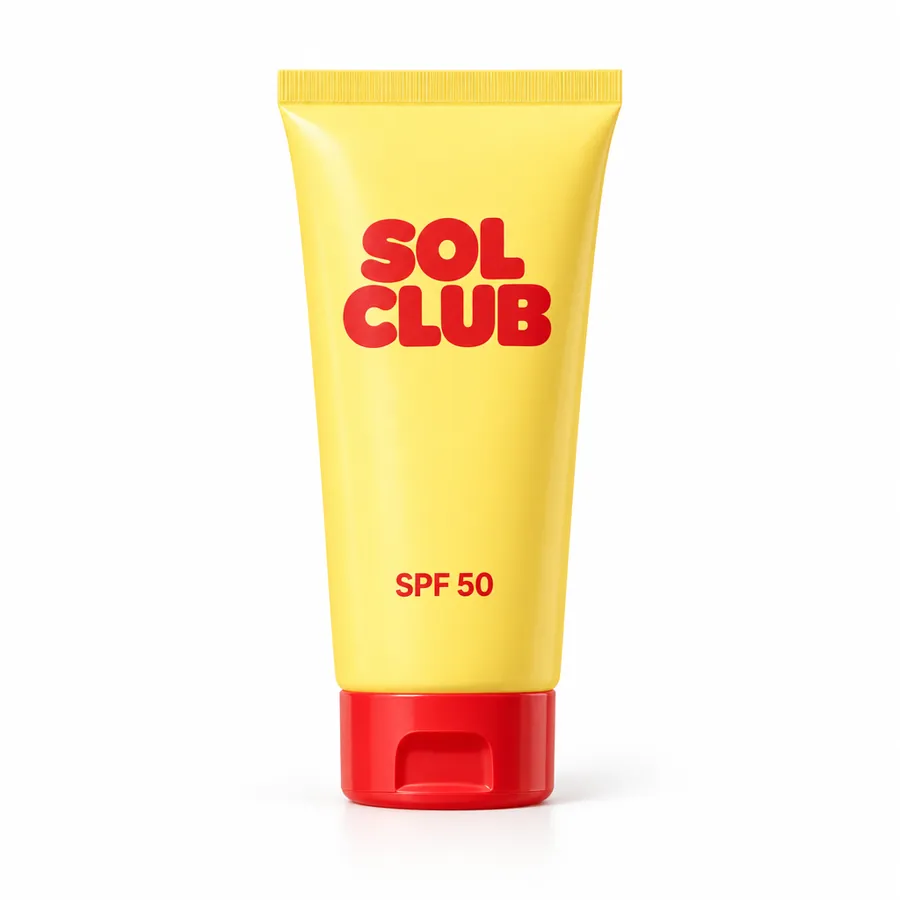
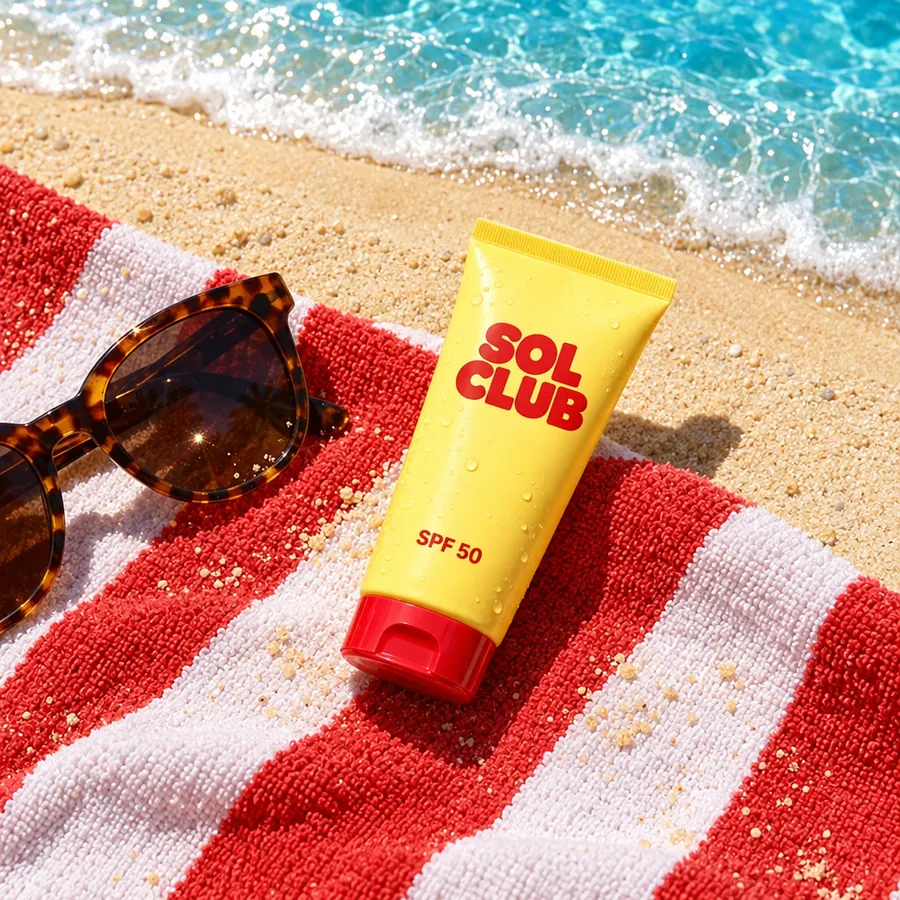
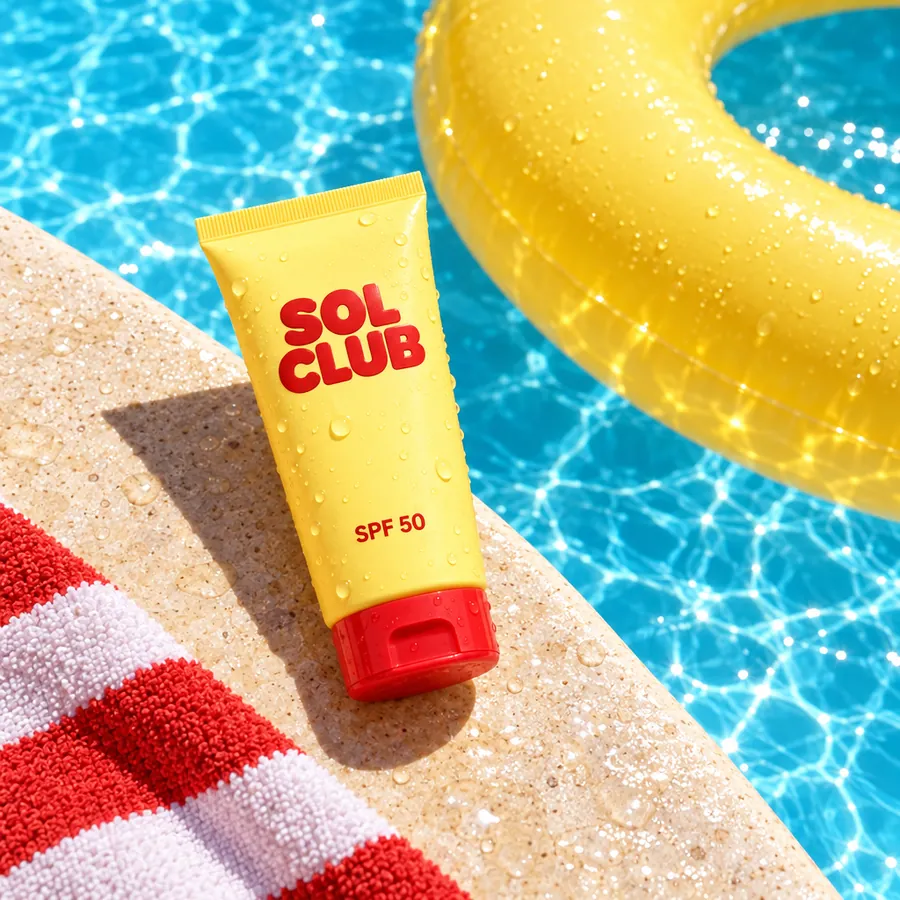
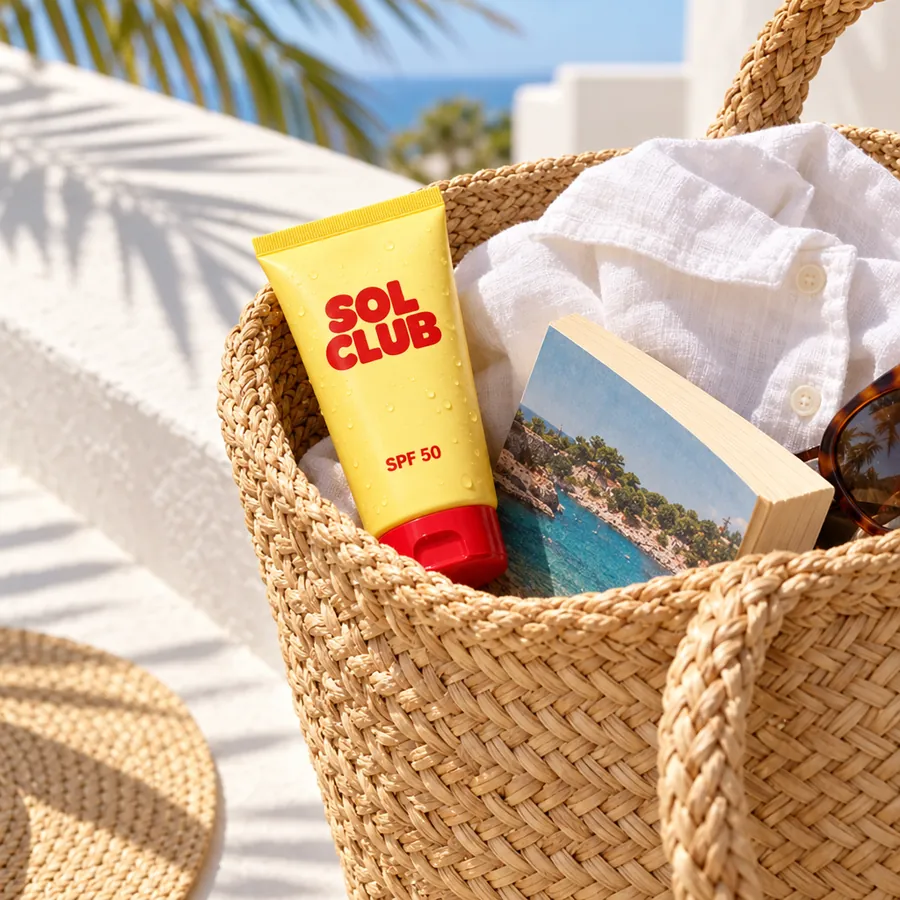
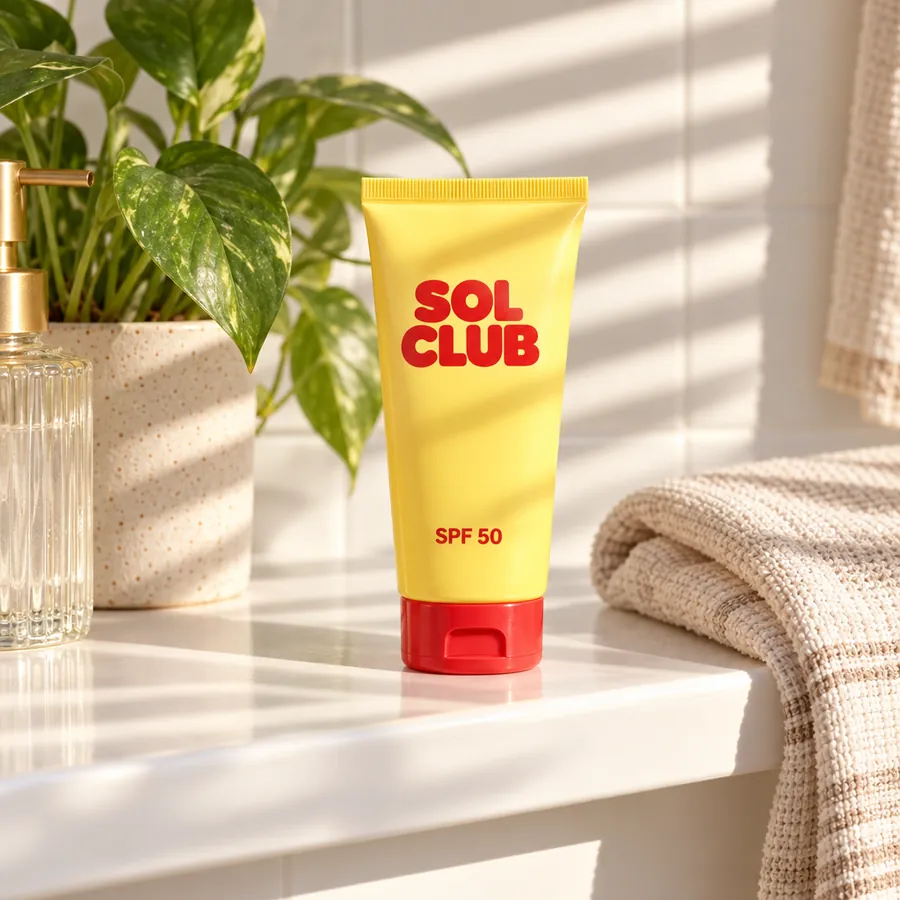
This photo of our SOL CLUB tube in summer scenes. Pool, beach and the bathroom shelf.
Four of the eight scenes from a plain packshot on white. The original stays on its own card beside them, unchanged.
Firsty follows the skill’s steps in order and stops where the choice is yours. Nothing paid starts without your yes.
Firsty cuts your product out once, so it stays the same everywhere
Firsty sets your product in eight different scenes
Asks before anything paid
Firsty checks every scene: same product, no added labels or text
You choose two scenes from the ones that passed
You pick the 2 scenes you like
Firsty makes your two picks in 1:1, 4:5 and 9:16, in one download
What Packshot to 8 lifestyle scenes needs from you and what it hands back.
When you ask for one of these on its own, Firsty runs it with this skill.
About Packshot to 8 lifestyle scenes and how it fits the rest of DFIRST.
Start the skill with one clear photo of your product and a sentence about where it should be: a beach bar, a kitchen, a snowy terrace. Firsty cuts the product out, sets it in eight scenes and checks each one. You pick the two you like and get them in the sizes your shop and ads need.
That is the first check. Firsty places your own cut-out instead of drawing the product again, then compares every scene with your photo. A scene where the label, shape or colour drifts is opened for you to judge. It is not passed as done.
No. The skill adds no new labels, text or claims on or around the product. When you want a headline or a price on top, the Ad creatives skill sets them on editable layers.
A sharp photo where the whole product is visible, on any plain background. A phone photo is fine. If you have no photo, a link to the product page works too, and Firsty asks for a picture only when it finds none.
Firsty makes the 4:5 and 9:16 versions only for the two scenes you choose. You do not pay for formats you will not use, and Firsty asks before any paid step.
Your request waits on this device until your access starts. DFIRST opens to people on the waitlist first.
Updated