

Turn a long video into shorts. Captioned clips for vertical feeds.

Shorts from a long video is a DFIRST skill that cuts short captioned clips from a webinar, keynote, podcast or interview. Firsty, the DFIRST agent, picks moments that stand on their own, opens each with a short hook, crops it to 9:16 around the speaker and captions every word. You get the clips, a thumbnail for each and a table of moments.

  • Each clip has a hook on screen in the first seconds
  • Captions cover all the speech in the clip
  • The speaker stays in frame, and slides stay whole
Shorts from a long video

Short captioned clips cut from your long video, each a moment that works on its own, ready for vertical feeds.

What should Firsty work on?

  • 5 shorts from our 45-minute webinar on YouTube
  • Three 30-second clips from this podcast episode for Instagram Reels
  • The best moments from our founder's keynote in Las Vegas
Open in DFIRST

Join the waitlist to open it. Firsty starts the skill as soon as your access starts.

Examples. What you ask, what you get back.

The best moments from Ama's keynote in Las Vegas, three shorts for Instagram Reels.

Three 9:16 clips from the 45-minute talk, each a moment that works without the rest. Every clip opens with a hook on screen and has captions for every word Ama says.
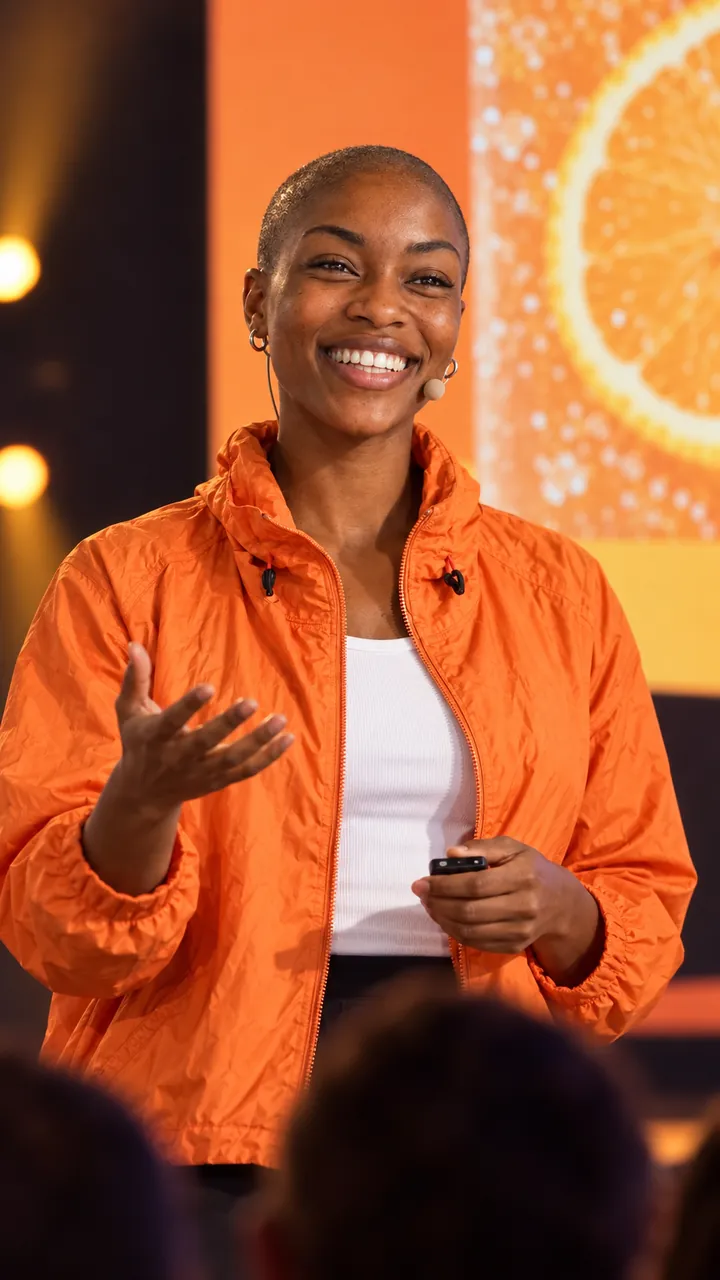
Ama gestures to the audience on stageWhat people really want from a soft drinkSo we asked them. The answer surprised us.
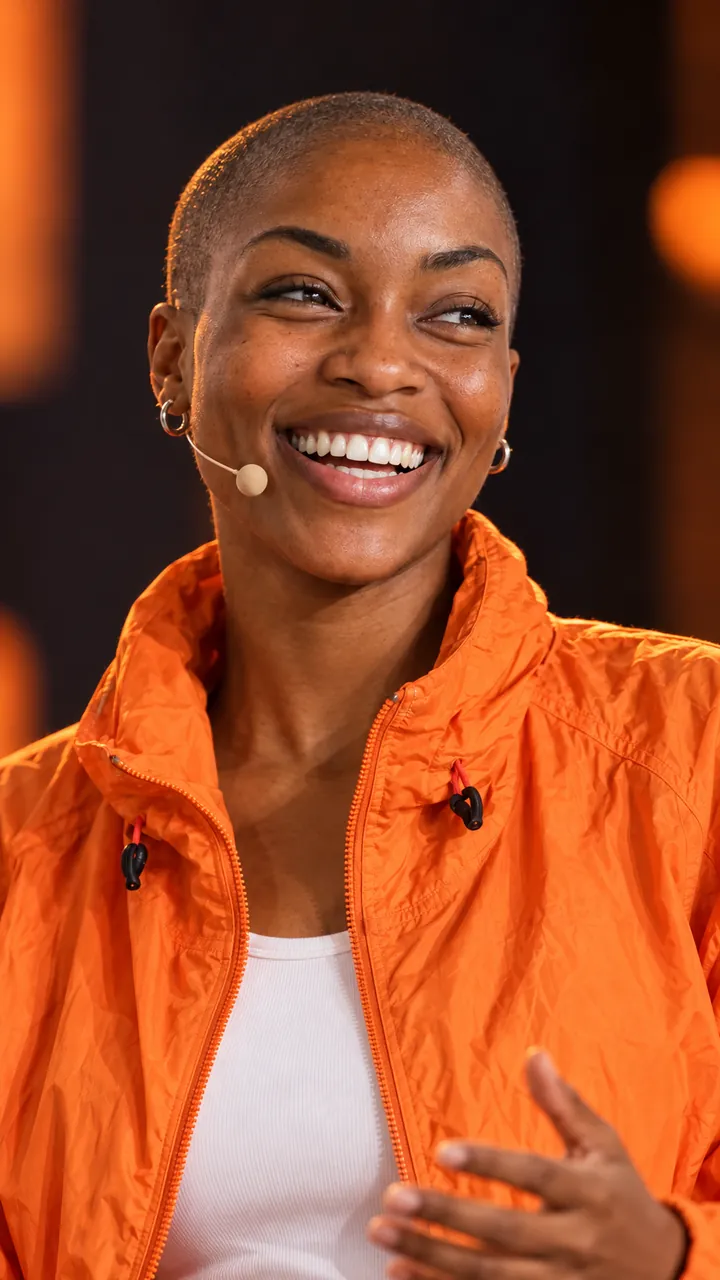
0:34
Ama laughing, close-upOur worst recipe everRecipe twelve tasted like a battery. I kept the can on my desk.
0:27
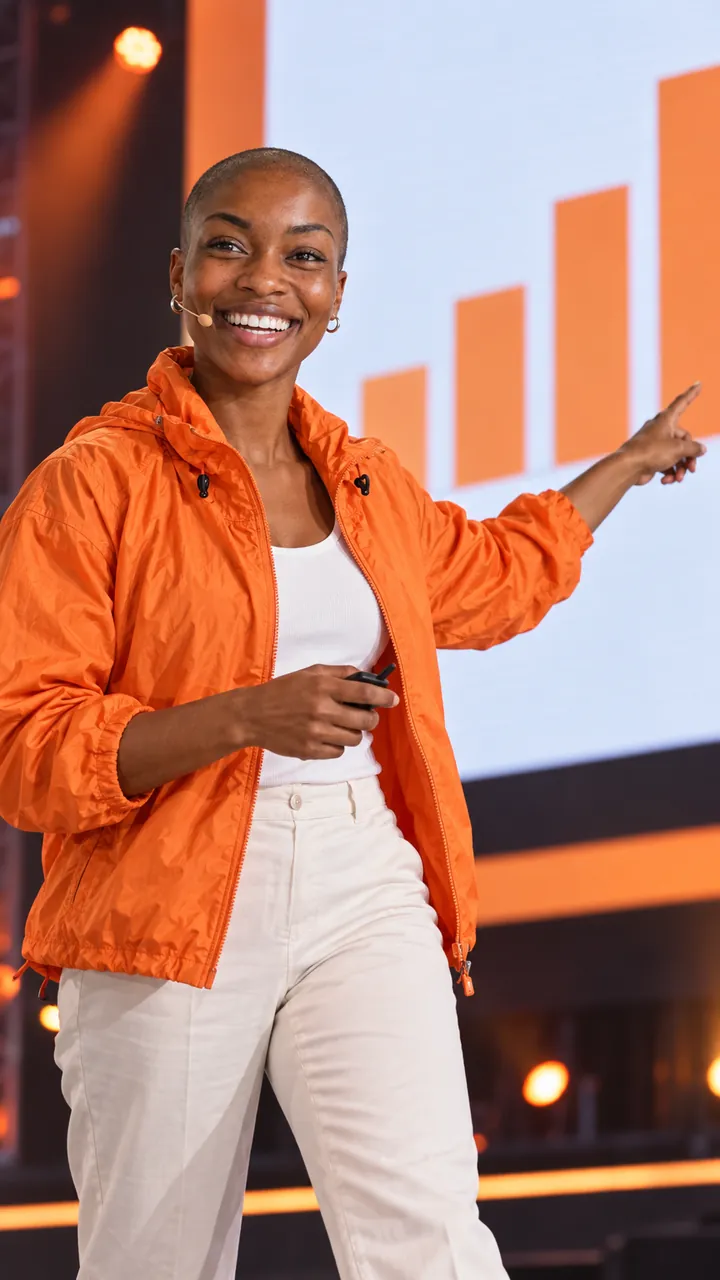
Ama points at an orange bar chart on the screenThe year we took the sugar outAnd this is the bar everyone told us would never grow.
0:38

5 shorts from our podcast episode with Ama and Jonas, 20 to 40 seconds each, for YouTube Shorts.

Five clips between 22 and 38 seconds, listed with where each starts in the episode, its hook, its length and its file, so the team can check any cut against the full recording.

TablePodcast episode 14: moments
ClipStartHookLengthFile
Ama04:12We binned 39 recipes0:31short-01.mp4
Jonas11:37Why our cans come in three colours0:24short-02.mp4
Ama19:05What Barcelona taught us about summer0:38short-03.mp4
Jonas27:48The one ingredient we refuse0:22short-04.mp4
Ama38:20Advice for a first launch0:35short-05.mp4

Episode length 52 min. Each file comes with its own thumbnail.

One longer clip from the keynote for LinkedIn, about 45 seconds: the part where Ama explains the sugar decision.

One 9:16 clip of 46 seconds, cut from the wide stage recording so that Ama stays in frame as she walks. It opens with a hook and carries captions for all of her words.

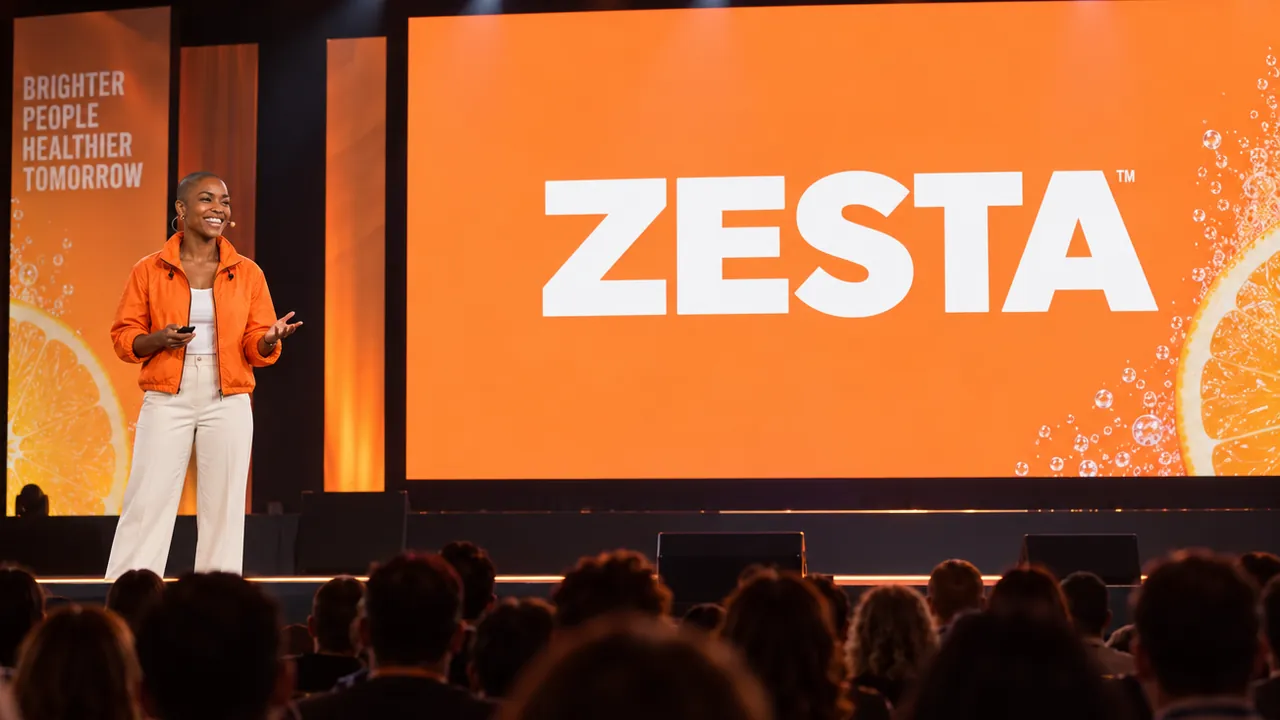
The wide shot of the stage: Ama in front of a big ZESTA screen
Your video, 16:9
Ama on stage, cropped to a vertical frameWhy we said no to sweetenersSweet was the easy part. Honest took longer.
0:46

How it goes. The same steps every time.

Firsty follows the skill’s steps in order and stops where the choice is yours. Nothing paid starts without your yes.

  1. 1

    Firsty finds the strongest moments that make sense on their own

  2. 2

    Firsty writes a short hook for the start of each clip

  3. 3

    Firsty cuts each clip to 9:16, keeping the speaker in frame

  4. 4

    Firsty adds captions for all the speech and a thumbnail per clip

Done when

  • Each clip has a hook on screen in the first seconds
  • Captions cover all the speech in the clip
  • The speaker stays in frame, and slides stay whole
  • Text is readable and never covers a face

At a glance.

What Shorts from a long video needs from you and what it hands back.

You bring
A long video as a YouTube link or a file in your session or Data Room. Add how many clips and how long, if you have a preference.
If you say nothing
Five shorts of 20 to 40 seconds each, in 9:16.
You get
Each clip as a 9:16 mp4 with its own thumbnail, plus a table of the moments with their hooks, lengths and files.
Works with
Talks, webinars, filmed podcasts and interviews: any long video where people speak.
Where it goes
The clips and the table stay in your session, ready to download. Nothing is posted for you.

Questions people ask.

About Shorts from a long video and how it fits the rest of DFIRST.

How do I turn a long video into shorts?

Give Firsty the video, as a YouTube link or a file you already have in DFIRST, and say how many clips you want and how long. It picks moments that make sense without the rest, puts a short hook at the start, cuts each to 9:16 and captions the speech. You get the clips with thumbnails and a table of where each came from.

Which videos work best?

Videos where people talk: webinars, keynotes, interviews and podcasts filmed on camera. The clips are built around what is said, so a video that is mostly music or scenery gives Firsty little to cut from. A clear recording with one or two speakers is the easiest to crop to a vertical frame.

Can I choose how many clips and how long they are?

Yes. Name the count and the length in your request, such as three 30-second clips for Reels or one longer clip for LinkedIn. With nothing said, Firsty makes five shorts of 20 to 40 seconds. Every clip comes out in 9:16, the frame Reels, TikTok and YouTube Shorts use.

Are the captions added for me?

Yes. Every word spoken in a clip is captioned and placed where it stays readable. Names and product names are written as they sound in the recording, so read them before you post. The clips are yours to review and publish: Firsty does not post them to TikTok, Instagram or YouTube.

Can I add music to the clips?

The shorts keep the sound of your recording. To put music or effects under a clip, run it through Sound for a video, which adds sound and leaves the picture as it is. That skill takes videos of up to 60 seconds, so each short fits.

See all 27 skills

Ask Firsty for it. It runs the skill with you.

The skill opens in DFIRST with your brand, your products and your files. DFIRST opens to people on the waitlist first.

Updated