





Write a newsletter from your own files. Every paragraph has a source.

Newsletter from my files is a DFIRST skill that writes an email newsletter from sources you choose: Data Room files, a Drive folder, a Notion page or a few links. Firsty, the DFIRST agent, agrees the outline with you, writes the issue in your brand voice with a source behind each paragraph, and previews it at desktop and phone width. It never sends anything.

  • Every paragraph points to one of your sources
  • Facts, prices and dates come only from your sources
  • The email is previewed at desktop and phone width
Newsletter from my filesYour draft stays on this device
Try an example
Start with Firsty

Join the waitlist to finish. Your draft stays on this device, and Firsty starts on it as soon as your access starts.

Examples. What you ask, what you get back.

This month's ZESTA newsletter from our product updates folder. CTA: shop the summer 12-pack.

Three sections, each written from one file in the updates folder and naming it. Dates appear only where a file gave them, and the hero picture came from the brand's own photos.

FromZESTA <hello@zesta.example>

SubjectLime is back, and a 12-pack for long weekends

Three things from the ZESTA kitchen this month.
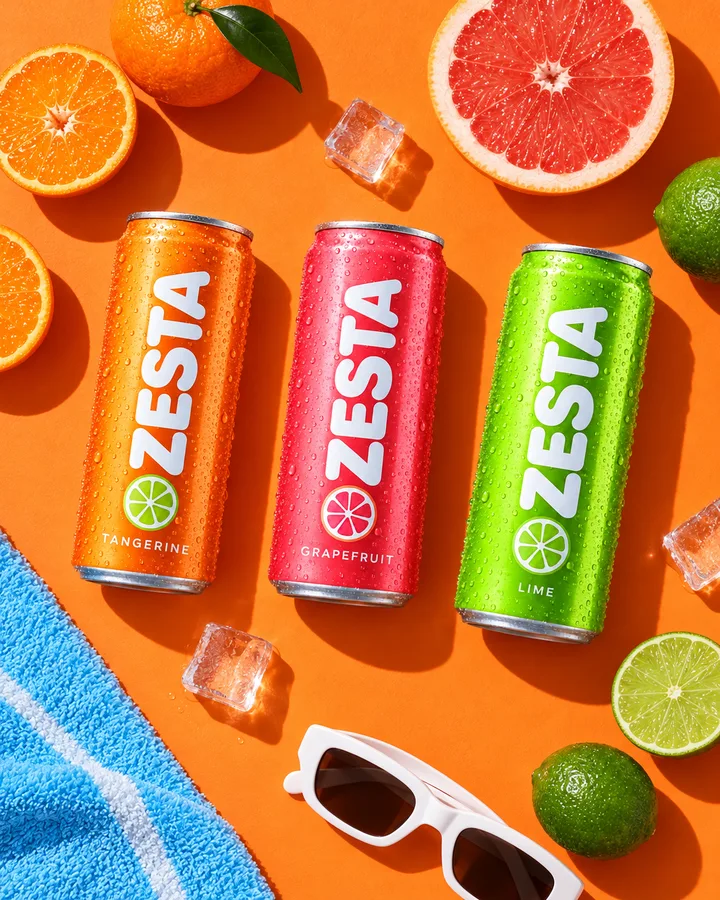
Tangerine, Grapefruit and Lime cans on orange with citrus and sunglasses

Lime is back on shelves

After selling out in spring, Lime returns to stores across Spain from 2 June.

lime-restock-note.pdf

A 12-pack for long weekends

Four of each flavour in one box, on our shop from 10 June.

summer-12-pack-sheet.pdf

Find us at the beach bars

Forty beach bars in Barcelona now pour ZESTA over ice.

on-trade-list-june.xlsx

Shop the 12-pack
An issue for KINETRA's trail subscribers from these three blog links. CTA: read the full guide.

One section per blog post, each pointing back to its link. The outline came first, and the copy was written only after Jonas approved it.

FromKINETRA <runs@kinetra.example>

SubjectThree things we learned on wet trails

Grip, pacing and muddy shoes: the best of the blog this month.

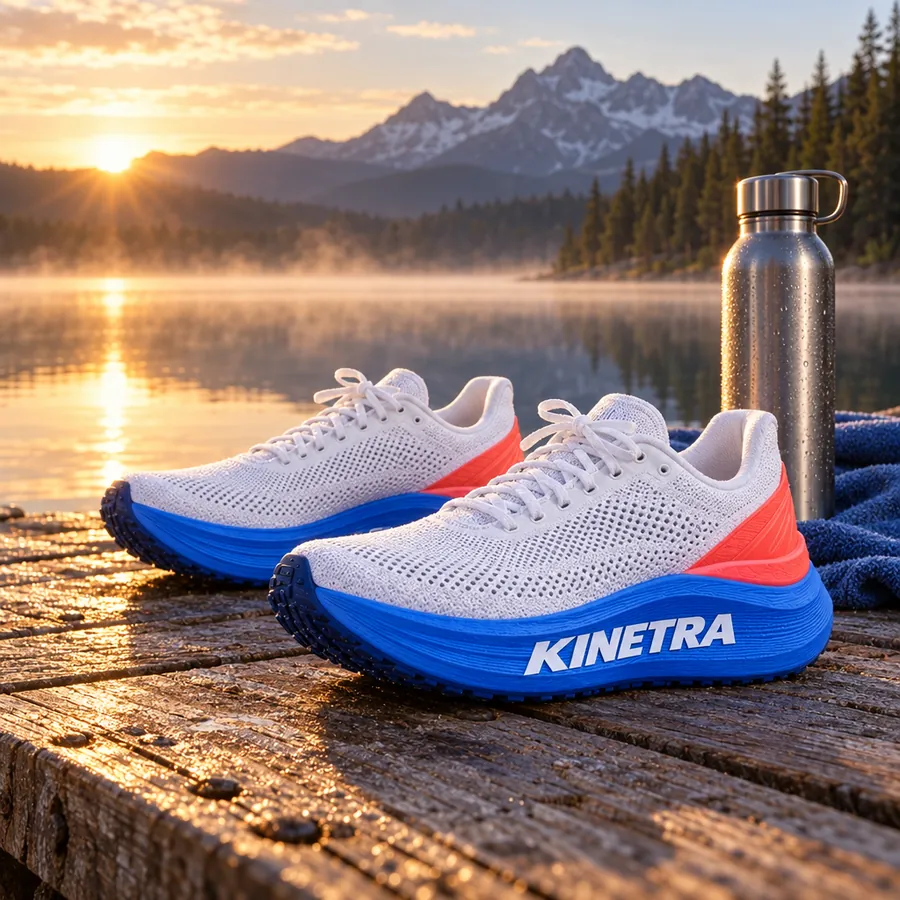
KINETRA shoes on a wooden dock by a mountain lake at sunrise

Grip on wet rock

Shorter steps and a flat foot do more on slick stone than any sole.

kinetra.example/blog/wet-rock

Your first 20 km trail

Walk the climbs early. Most first-timers run out of legs on the last hill, not the first.

kinetra.example/blog/first-20k

Cleaning muddy shoes

Rinse in cold water, dry away from heat and take the insoles out overnight.

kinetra.example/blog/shoe-care

Read the full guide

Turn our Notion launch page into an email about the SOL CLUB starter kit. Save it as a draft in our mailing tool.

What is in the kit and when it goes on sale came straight from the Notion page. Firsty asked before saving the draft in the mailing tool, and nothing was sent.

FromSOL CLUB <hello@solclub.example>

SubjectMeet the SOL CLUB starter kit

Everything for a day outside, in one bag.

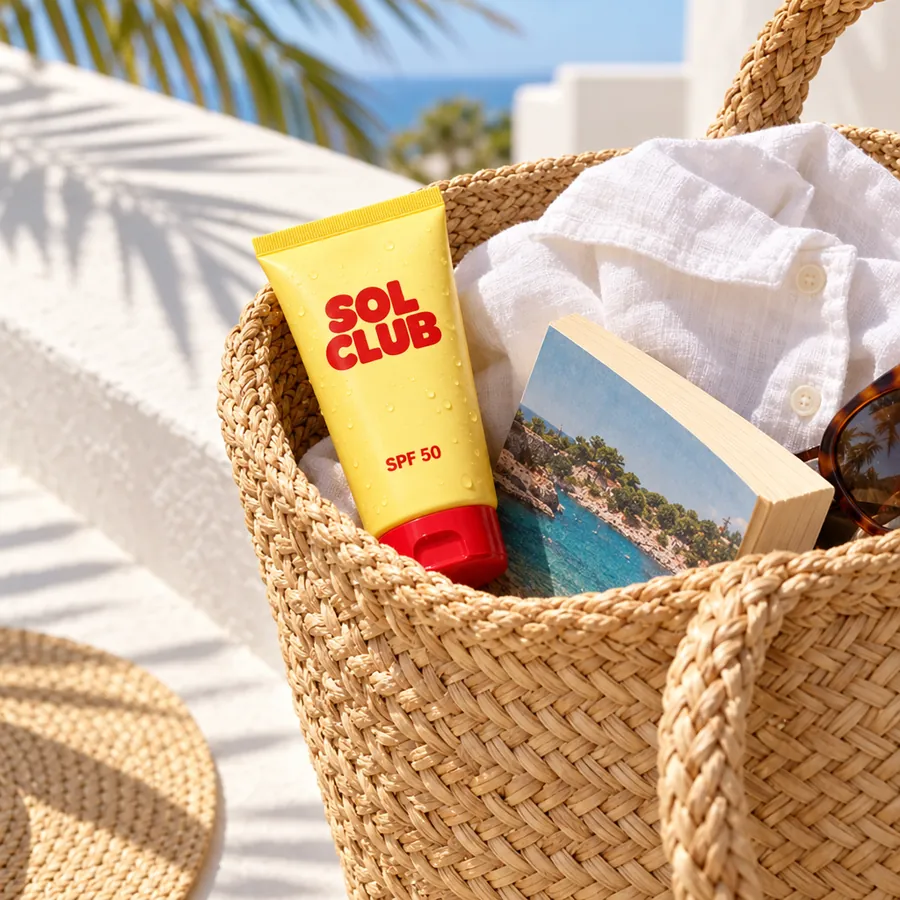
The SOL CLUB tube in a straw beach bag on a sunny terrace

What's inside

SPF 50 lotion, an SPF 30 lip balm and a travel-size after-sun, in a straw tote.

Notion: Starter kit launch, Contents

When

On sale from 20 May on our shop and in selected pharmacies.

Notion: Starter kit launch, Dates

Why we made it

You asked for one thing to grab on the way out. This is it.

Notion: Starter kit launch, Story

See the starter kit

How it goes. The same steps every time.

Firsty follows the skill’s steps in order and stops where the choice is yours. Nothing paid starts without your yes.

  1. 1

    Firsty reads and numbers every source you gave

  2. 2

    Firsty drafts subject lines, sections and the hero picture

    You approve the outline before any copy is written

  3. 3

    Firsty writes the issue in your brand voice, each paragraph sourced

  4. 4

    Firsty builds the email and previews it at desktop and phone width

  5. 5

    Firsty saves a draft in your mailing tool, if you ask

    Asks before saving a draft in your mailing tool

Done when

  • Every paragraph points to one of your sources
  • Facts, prices and dates come only from your sources
  • The email is previewed at desktop and phone width
  • Nothing is ever sent, only a draft when you ask

At a glance.

What Newsletter from my files needs from you and what it hands back.

You bring
Your sources and what the issue is for, with its call to action.
Audience and language
Taken from your Brand DNA unless you set them for this issue.
You get
The issue as email-safe HTML and as Markdown, the hero picture, and a source named under every paragraph.
Your mailing tool
A draft is saved there only when you ask, and Firsty checks with you before saving it.
Sending
Always yours. The skill makes the email; you decide when it goes out.

Part of this skill. Each task also has its own page.

When you ask for one of these on its own, Firsty runs it with this skill.

Questions people ask.

About Newsletter from my files and how it fits the rest of DFIRST.

How do I write a newsletter from my own content with AI?

Give Firsty the material the issue should cover, such as product notes, blog posts or a launch page, and say what readers should do at the end. You approve the outline of sections, subject lines and hero picture. Then each paragraph is written from one of your sources and names it.

Will it send the newsletter to my list?

No, never. You get the finished email to check. If your mailing tool is connected and you ask, Firsty saves the issue there as a draft, after asking once more. Choosing the list and pressing send stay with you, in your own tool.

Can it add news or prices that are not in my files?

No. Facts, prices and dates come only from the sources you gave, and every paragraph points to the one it was written from. If something you want to announce is not in any source yet, add a short note or file about it before you start.

Will the email look right on phones?

The issue is built as email-safe HTML and previewed at desktop and phone width before you see it. Inboxes still differ in small ways, so send yourself a test from your mailing tool before the real send goes out.

Which sources can I use?

Files in your Data Room, a folder in a connected Drive, a Notion page or a handful of web links. Firsty numbers each source as it reads it, and that number is how every paragraph shows where it came from.

See all 27 skills

Ask Firsty for it. It runs the skill with you.

Your request waits on this device until your access starts. DFIRST opens to people on the waitlist first.

Updated