Resize one ad design for every channel. Moved into place, never redrawn.

One master to channel formats is a DFIRST skill that resizes one finished design for every channel. Firsty, the DFIRST agent, plans each size, tells you which ones need extra background, moves your own copy, logo and product into place, then opens and measures every frame. A size that cannot be made well is named, with the reason.

  • Your logo and product stay whole in every size
  • Your copy and logo are moved, never redrawn
  • Every size is exact to the pixel
One master to channel formatsYour draft stays on this device

02Your finished design optional

Try an example
Start with Firsty

Join the waitlist to finish. Your draft stays on this device, and Firsty starts on it as soon as your access starts.

Examples. What you ask, what you get back.

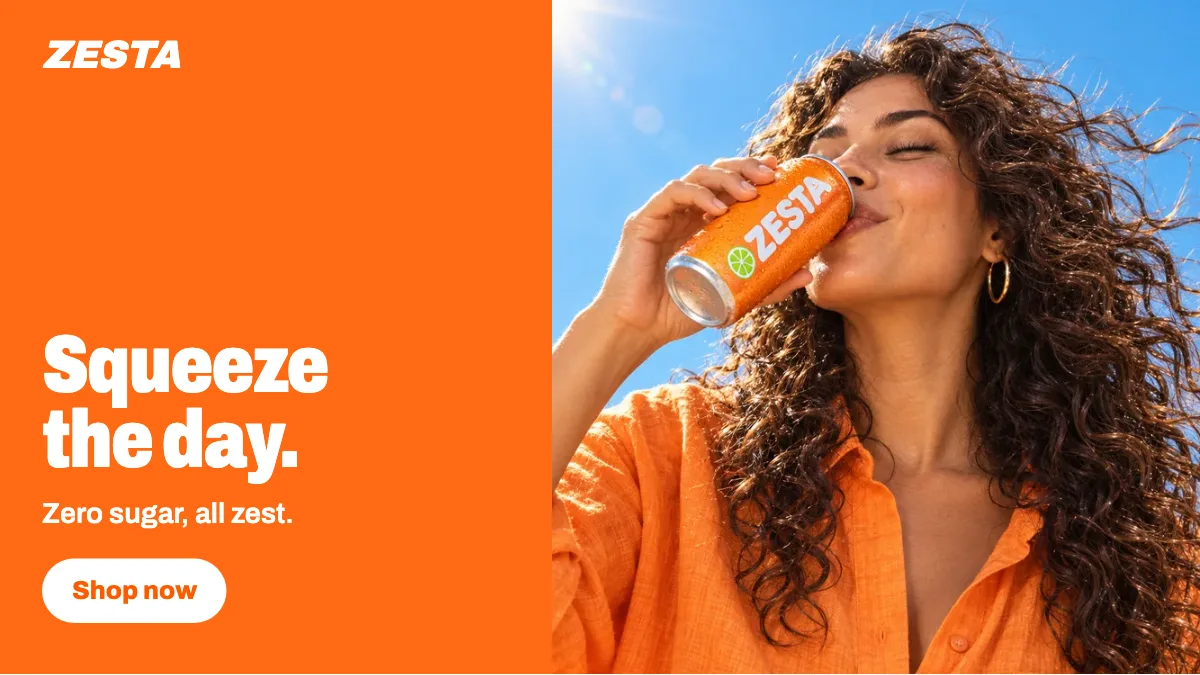
Our ZESTA 'Squeeze the day' banner in 4:5, 9:16 and 16:9. Same photo, same words, nothing redrawn.

Three new frames from one square master. The photo, headline and button were moved, not drawn again; in 16:9 the words moved onto an orange panel beside the photo.


The square ZESTA banner: a woman drinks from a can, headline Squeeze the day., button Shop now
Your master, 1:1
The same ZESTA banner in portrait
4:5
The same ZESTA banner as a full-screen story
9:16
The same ZESTA banner wide, the words on an orange panel left of the photo
16:9

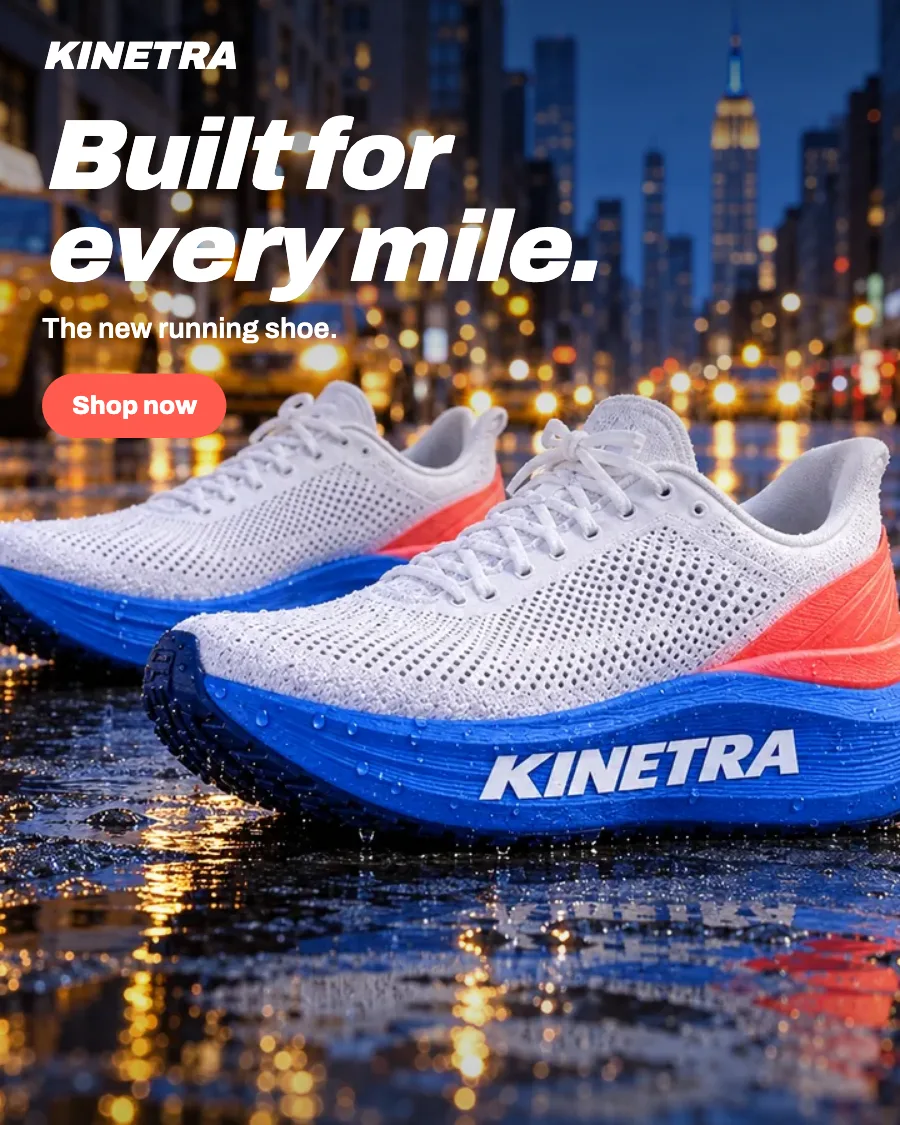
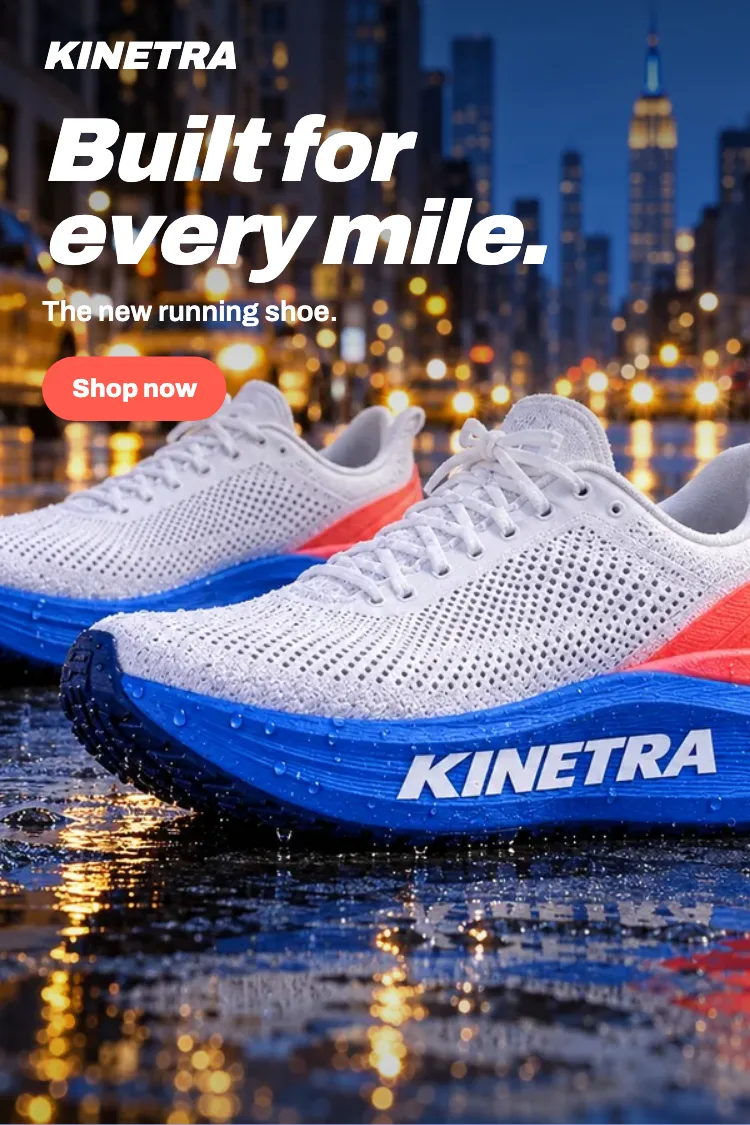
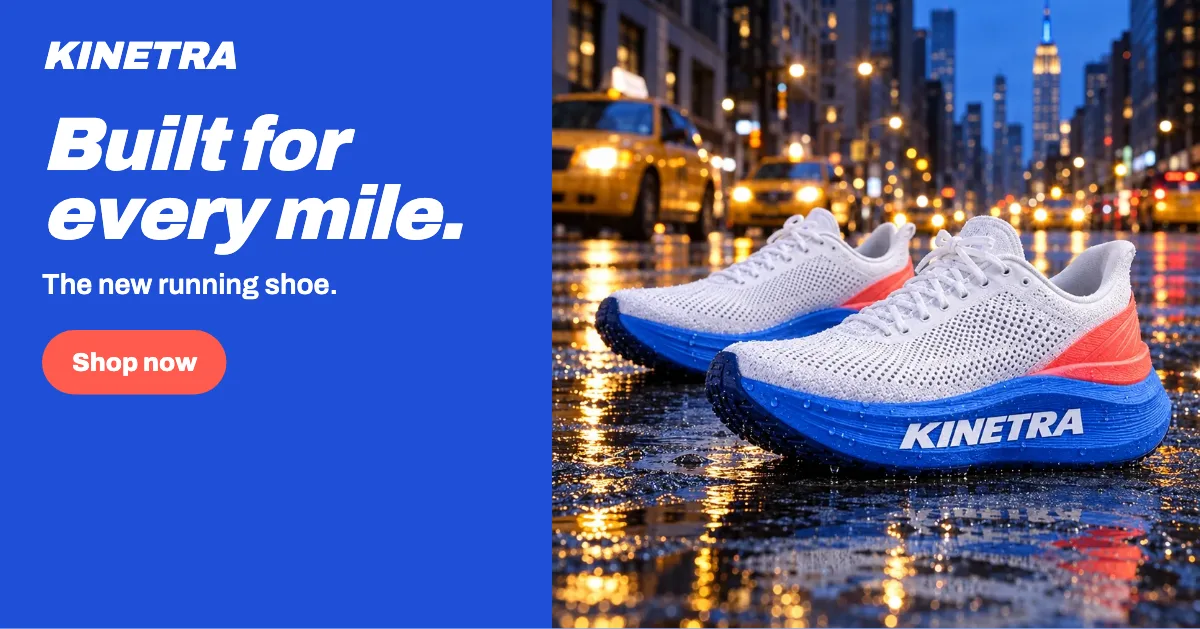
This KINETRA key visual for LinkedIn and Pinterest. Same night street, same words.

Before starting, Firsty said LinkedIn's wide frame needs a colour panel for the words and Pinterest a taller street. The headline, logo and button were moved into each frame, and the shoes stay whole in both.

The KINETRA key visual: the shoes on a wet New York street at night, headline Built for every mile.
Your key visual, 4:5
The same key visual taller for Pinterest, the headline above the shoes
Pinterest, 2:3
The same key visual wide for LinkedIn, the words on a cobalt panel left of the photo
LinkedIn, 1.91:1

Resize the KINETRA PSD I uploaded to every Meta size.

Three Meta sizes made from the layered file, each one measured. The landscape size was not made, and the table says why instead of handing over a squeezed version.

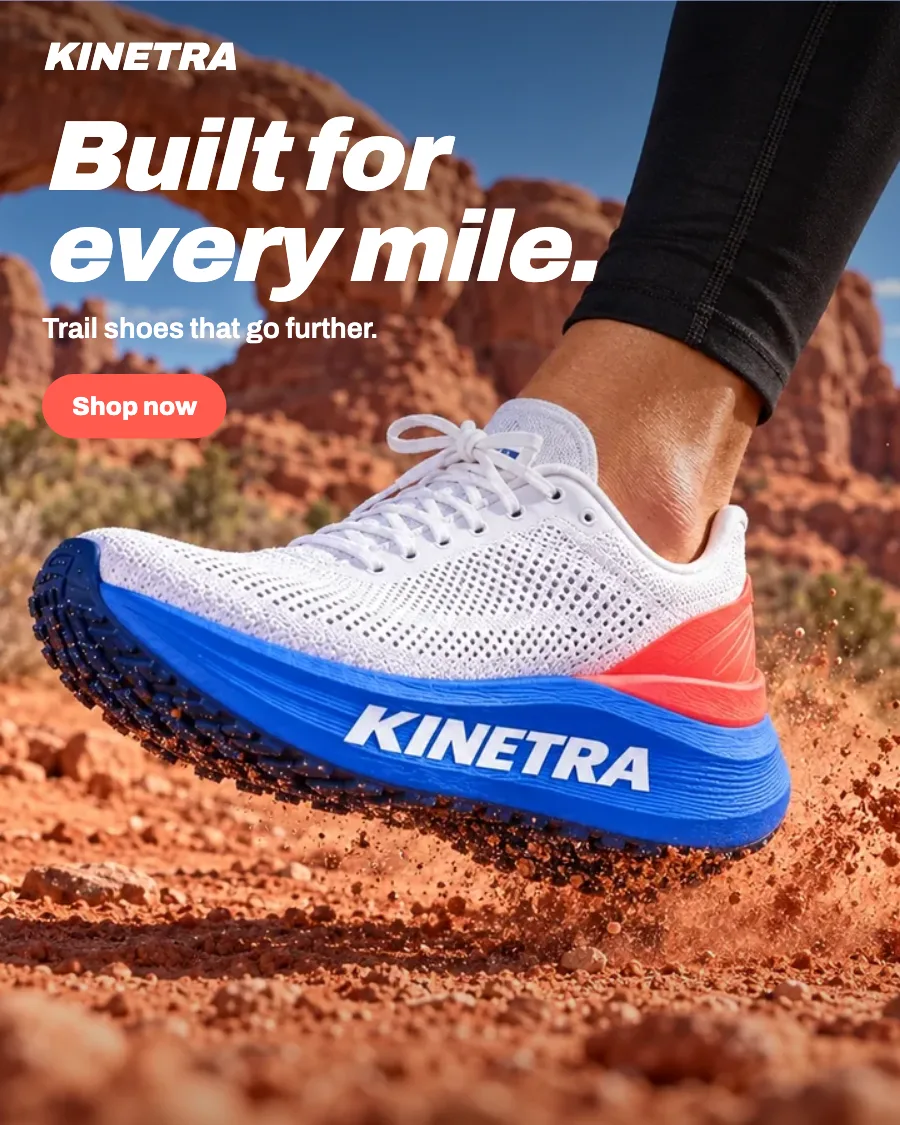
The KINETRA master: the trail shoe kicking up red dust, headline Built for every mile.
Your PSD
TableKINETRA trail ad: Meta sizes
SizePixelsRuns inExtra backgroundStatus
4:51080 × 1350FeedNone, the master's own sizeDone
1:11080 × 1080Feed, MarketplaceTrail added left and rightDone
9:161080 × 1920Stories, ReelsSky above, trail belowDone
1.91:11200 × 628Link adsToo wide for the shoeMissing Not made

1.91:1 was not made. The shoe fills most of the height of your PSD, so in a frame this wide it would be cut at the toe or shrunk until the headline crowds it. A landscape photo of the shoe would make this size possible.

How it goes. The same steps every time.

Firsty follows the skill’s steps in order and stops where the choice is yours. Nothing paid starts without your yes.

  1. 1

    You share a finished banner, key visual or PSD

  2. 2

    Firsty plans each size and tells you which need extra background

  3. 3

    Firsty moves your copy, logo and product into each size

    Asks before anything paid

  4. 4

    Firsty opens and measures every size before handing it over

Done when

  • Your logo and product stay whole in every size
  • Your copy and logo are moved, never redrawn
  • Every size is exact to the pixel
  • A size that could not be made is named, with the reason

At a glance.

What One master to channel formats needs from you and what it hands back.

You bring
A finished master: a picture, a set of layers, a PSD or a card already on your board, and the channels you need.
You get
One frame per size on a Reformat card, each opened and measured, and one ZIP with every size.
Defaults
1:1, 4:5 and 9:16 for Meta, on the master's own background.
Questions
Only when no master is found. Otherwise Firsty starts from what you shared.
Where it goes
The Reformat card on your session's board and the ZIP in your Data Room.

Part of this skill. Each task also has its own page.

When you ask for one of these on its own, Firsty runs it with this skill.

Questions people ask.

About One master to channel formats and how it fits the rest of DFIRST.

How do I resize one ad to every social media size?

Share the finished design and name the channels, or keep the Meta default of 1:1, 4:5 and 9:16. Firsty plans each size, tells you which ones need more background, moves your copy, logo and product into place and measures every frame before you get the ZIP.

Is it just a crop?

No. A crop cuts things off; this skill places each part again. The headline, the logo and the product are set into every size on their own, and where the new frame is taller or wider than the master, more of its background is added around them.

Can I upload a PSD?

Yes. A PSD works as the master, and so do a flat picture, a set of layers or a card already on your board. Firsty finds the copy, the logo and the product in it and moves each into the new sizes. For a single picture in one new shape, the Reformat a creative tool is enough.

What happens if a size cannot be made?

Firsty names it and says why, rather than handing over a squeezed version. A common reason is a product that fills the whole height or width of the master, so a much wider or taller frame would cut it. Another photo of the product, or a separate design for that size, usually solves it.

Will my logo and text be redrawn?

No. Your own copy and logo are moved into each frame as they are, never drawn again, so the letters, colours and logo stay exactly yours. Firsty opens every finished size and measures it to the pixel before the ZIP is handed over.

See all 27 skills

Ask Firsty for it. It runs the skill with you.

Your request waits on this device until your access starts. DFIRST opens to people on the waitlist first.

Updated